White Label Social Media Management for Agencies
Manage every client from one dashboard with your own branding. Isolated client workspaces, multi-level approvals, scheduling across 20 platforms, AI captions, a unified inbox, and branded reports your clients actually understand, plus a REST API, MCP server, webhooks and n8n node to plug into the rest of your stack.
Try Standard with a 7-day free trialOne dashboard, every client
Isolated hubs per client, no more browser-tab chaos, no shared passwords, no leaked content.
Your brand, not ours
Your logo and colors, branded client portals. They never see Social media studio.
Approval workflows that hold
Multi-level review chains with role-based access. Nothing goes live without sign-off.
Reseller-ready margins
Set your own client pricing. Most agencies run 60-80% gross margin on the platform itself.
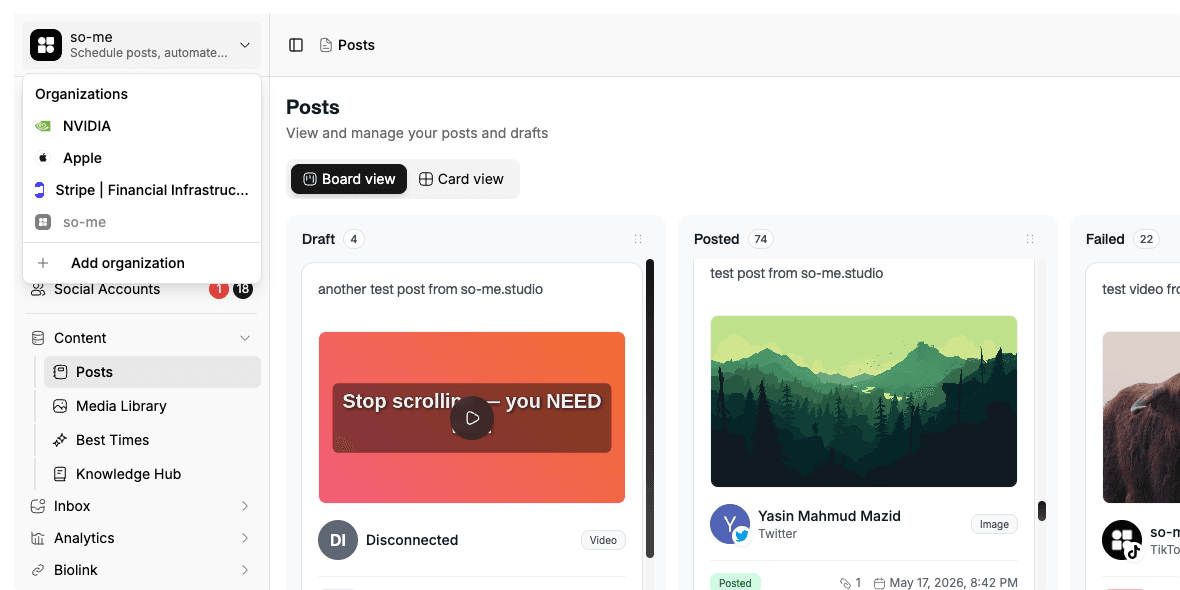
A separate workspace for every client
Each client gets a dedicated Hub with its own connected social accounts, calendar, media library and analytics. Team members only see the hubs you assign them to, Client A's content never leaks into Client B's workspace.
- Per-hub social accounts, brand assets and approvals
- Role-based access for writers, designers, account managers
- Drop in a contractor for a project, remove them in one click

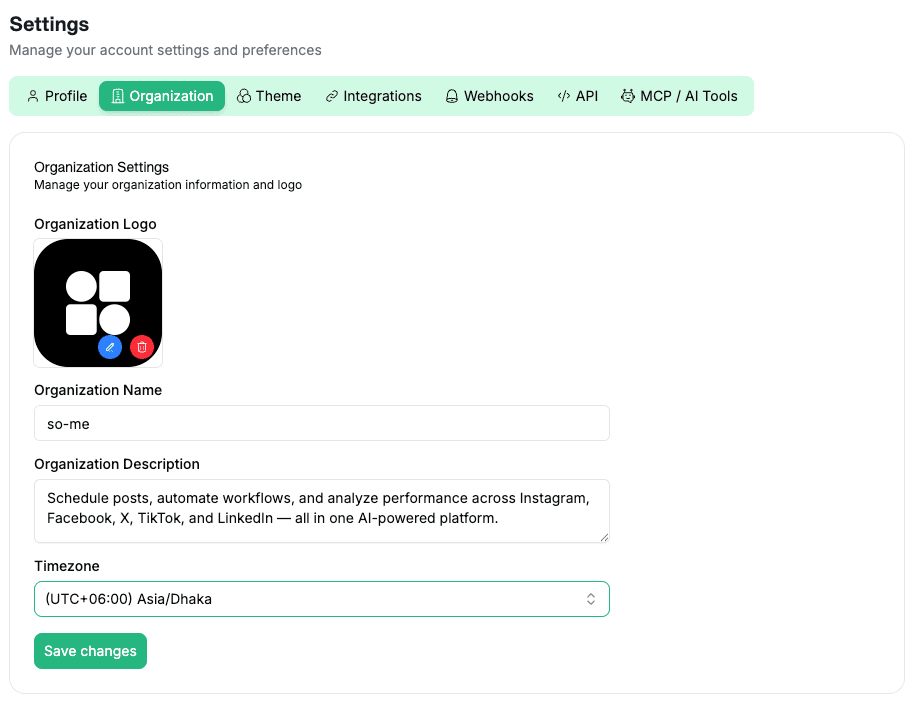
Resell social management under your own brand
On the Advanced plan, the entire product wears your logo, brand colors, and assets. Clients sign in to what looks like your in-house tool, raising perceived value, retention and pricing power.
- Custom logo + branded login
- Reseller-friendly pricing model
- Client portals styled to your agency

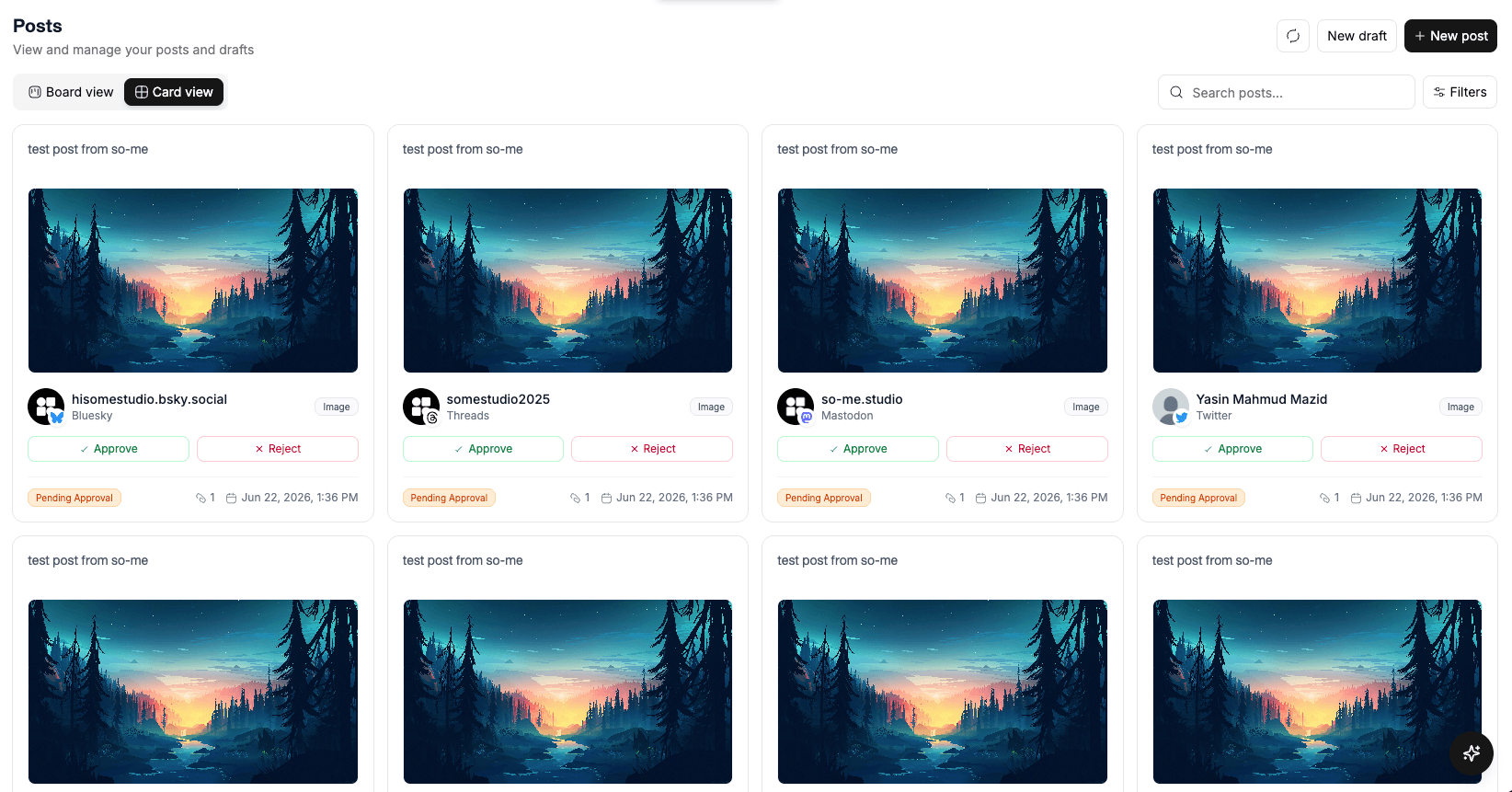
Approval chains your account managers will actually use
Writers draft, account managers approve, partners sign off. Built-in audit trail keeps you compliant with FTC disclosures and ready for a SOC 2 conversation when the time comes.
- Multi-level approvals with escalation
- Full audit log per post and per client
- FTC disclosure helpers and template enforcement
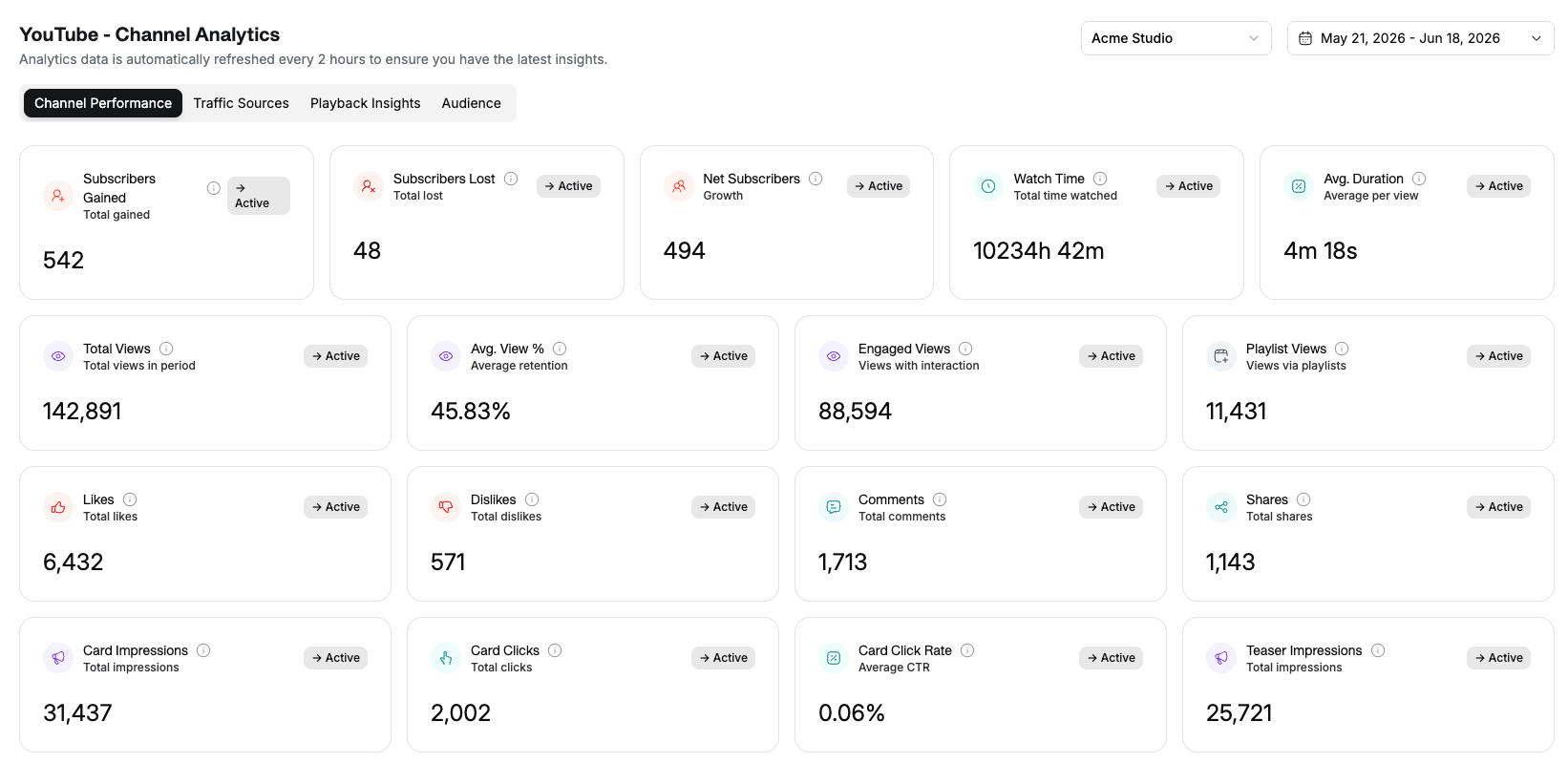
Monthly reports your clients can actually read
Scheduled client reports with the metrics that matter, follower growth, engagement rate, top-performing content, period-over-period. Branded with your agency colors, exported as PDF.
- Per-client scheduled exports
- Industry benchmarks and your annotations
- One-click 'why this matters' summaries powered by AI
Wire Social media studio into your agency stack
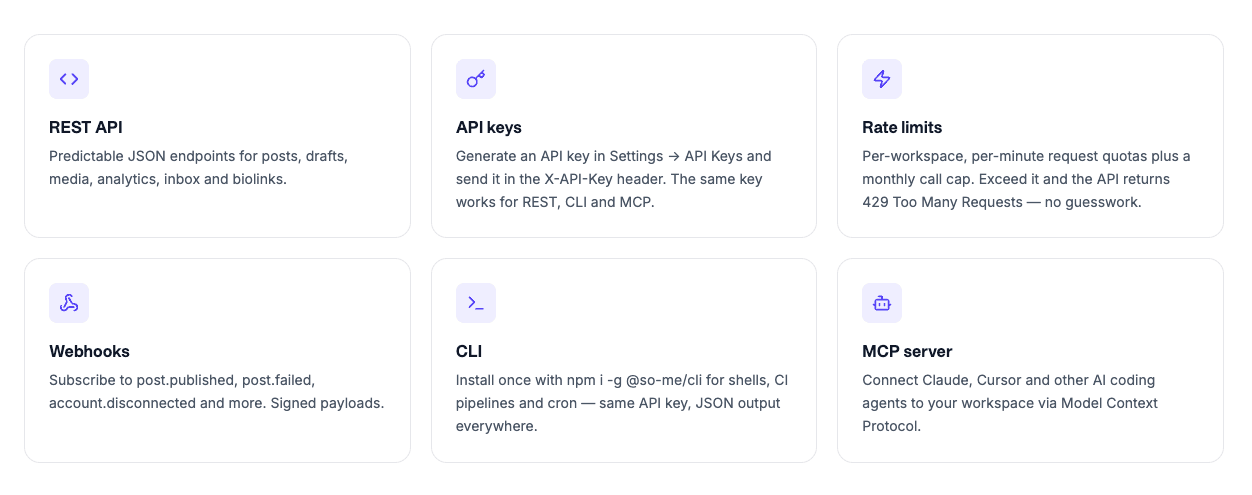
Every action in the product is available over a REST API, an MCP server (200+ tools), webhooks and an n8n node, so you can auto-generate client reports, sync approvals to Slack, trigger workflows on publish, or let an AI agent run a client's calendar end-to-end.
- REST API + 200+ MCP tools on Standard and Advanced
- HMAC-signed webhooks across 40+ events
- n8n node and CLI for no-code and scripted automations
Built for the way agencies actually work
From a freelancer juggling three clients to a 25-seat agency running fifty, it scales.
Social media agencies
5-50 client accounts, growing team, need isolated workspaces and approval workflows.
White-label resellers
Packaging social media as part of a broader service stack under your own brand.
Freelance SMMs
Handling 2-5 clients solo. Stop sharing passwords; stop copying between tabs.
In-house agency teams
Marketing team inside a bigger shop that needs a dedicated social workflow without enterprise sprawl.
White label social media management is when an agency uses a third-party platform, like Social media studio, to deliver social media services under its own brand. Clients see the agency's logo and branding in the portal they log into, not the underlying SaaS vendor.
Yes. The Advanced plan includes white-label branding: your logo throughout the app, branded client portals, and reseller pricing. Talk to us about the white-label package for your agency.
Yes. Each client gets their own Hub, a separate workspace with its own social accounts, calendar, media library and analytics. Standard plan includes 3 Hubs, Advanced gives unlimited.
Yes. Team members can draft; account managers or owners review and approve before anything goes live. Nothing publishes without the right person signing off.
Yes. Team members are assigned to specific Hubs. A writer on Client A won't see Client B's workspace, accounts or content unless you give them access.
See the pricing table for current Lite, Standard, Advanced and Lifetime limits.
20 destinations: Instagram, Facebook, LinkedIn (personal + Page), TikTok, Twitter/X, YouTube, Threads, Pinterest, WhatsApp, Dribbble, plus Bluesky, Mastodon, Reddit, Telegram, Discord, Slack, WordPress, Dev.to and Google Business Profile rolling out. Schedule posts, reels, stories, carousels and videos across all of them.
From the blog
AI agents for social media: architecture and implementation
AI agents automate social media workflows by integrating content generation, scheduling, and analytics into autonomous systems. No manual UI clicks required.
Why Approval Workflows Matter When AI Runs Your Social Media
When AI agents draft and schedule your posts, an approval workflow is the control layer that prevents off-brand content, legal exposure, and posting mistakes from going live unreviewed.
Auditable AI: Why Every Post Should Have a Paper Trail
Auditable AI in social media means every post decision is recorded and retrievable: who created it, who approved it, when it published. This is not optional for regulated industries or accountable teams.
Schedule once.
Post everywhere.
Stop juggling tabs, draft, customize, and publish to 20 platforms from a single calendar.