Social Media Inbox for Every Comment, DM and Mention
Pull comments, DMs and mentions from Facebook, Instagram, WhatsApp, Bluesky, Mastodon, Reddit, Telegram, Discord and Slack into one unified, real-time inbox. Clear the queue in 5 minutes a day.
Connect your inbox
One inbox, every channel
Comments, DMs and mentions from Facebook, Instagram, WhatsApp, Bluesky, Mastodon, Reddit, Telegram, Discord and Slack in one feed. Reply without switching apps.
Real-time updates
New messages stream in live over a Socket.IO connection, so you never refresh to catch a reply. Webhook platforms land instantly.
Saved replies that scale
Build reusable reply templates with variables for the questions you answer a hundred times. Insert and send in a click.
Reply once, send to many
Select a batch of threads, preview each personalized reply, then send them all at once. Clear the queue without copy-paste.
Every channel in one real-time feed
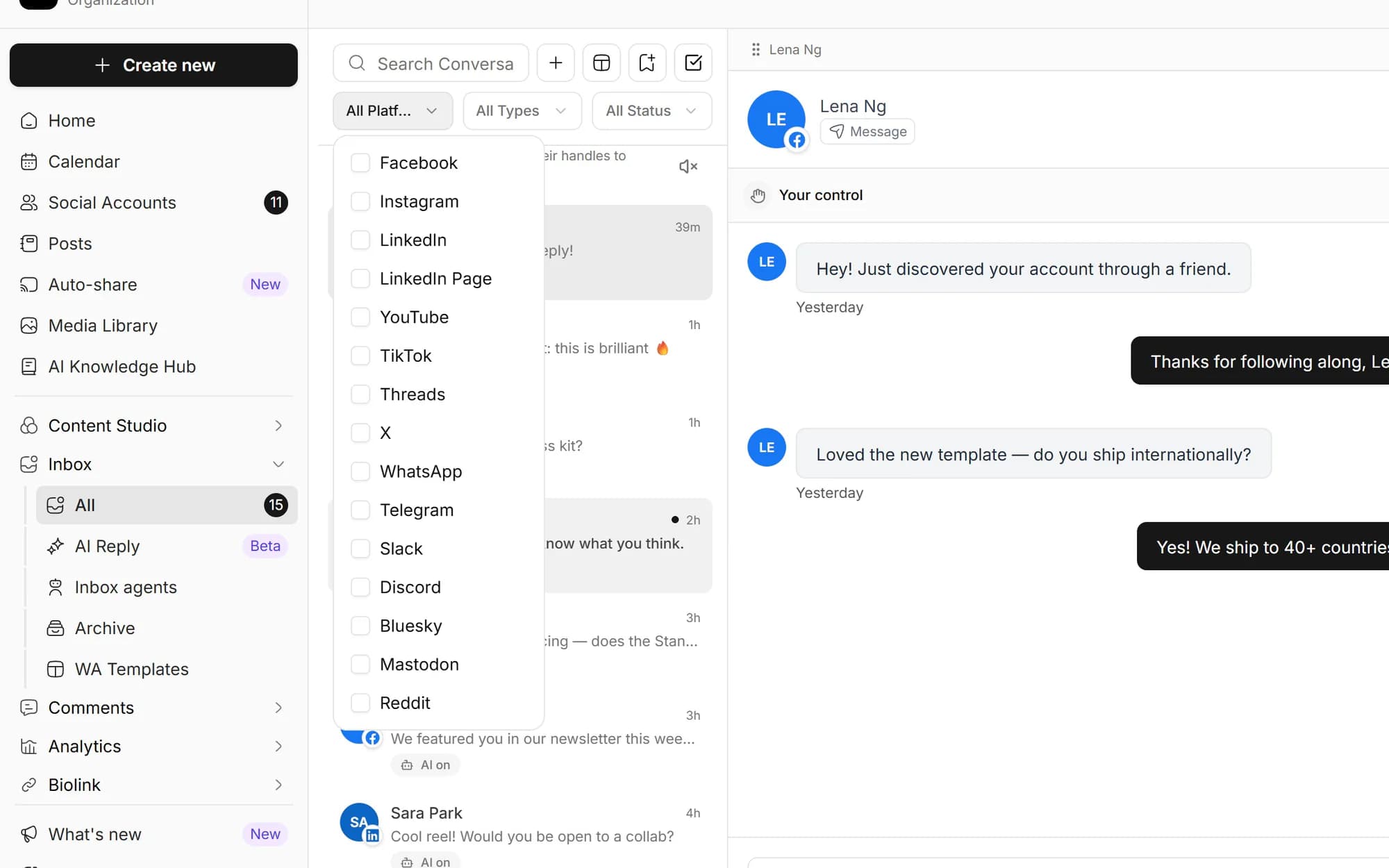
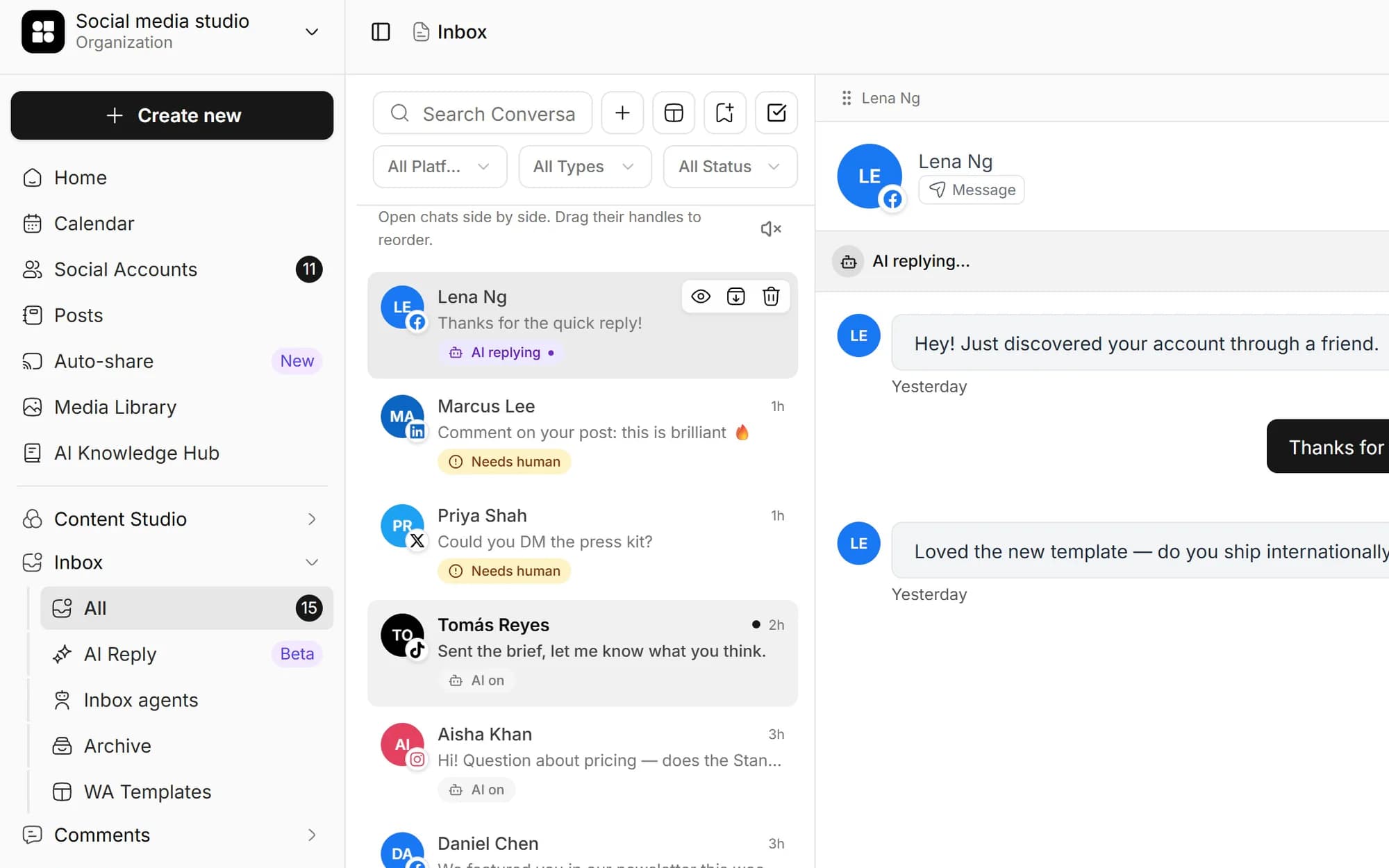
Facebook Page comments and Messenger DMs, Instagram comments, mentions and DMs, and WhatsApp conversations arrive live via webhooks. Bluesky, Mastodon, Reddit, Telegram, Discord and Slack are pulled in through the extended inbox. It is all one chronological feed you can clear in a single sitting.
- Comments, direct messages and @-mentions
- Webhook platforms update in real time over Socket.IO
- Per-conversation threaded view
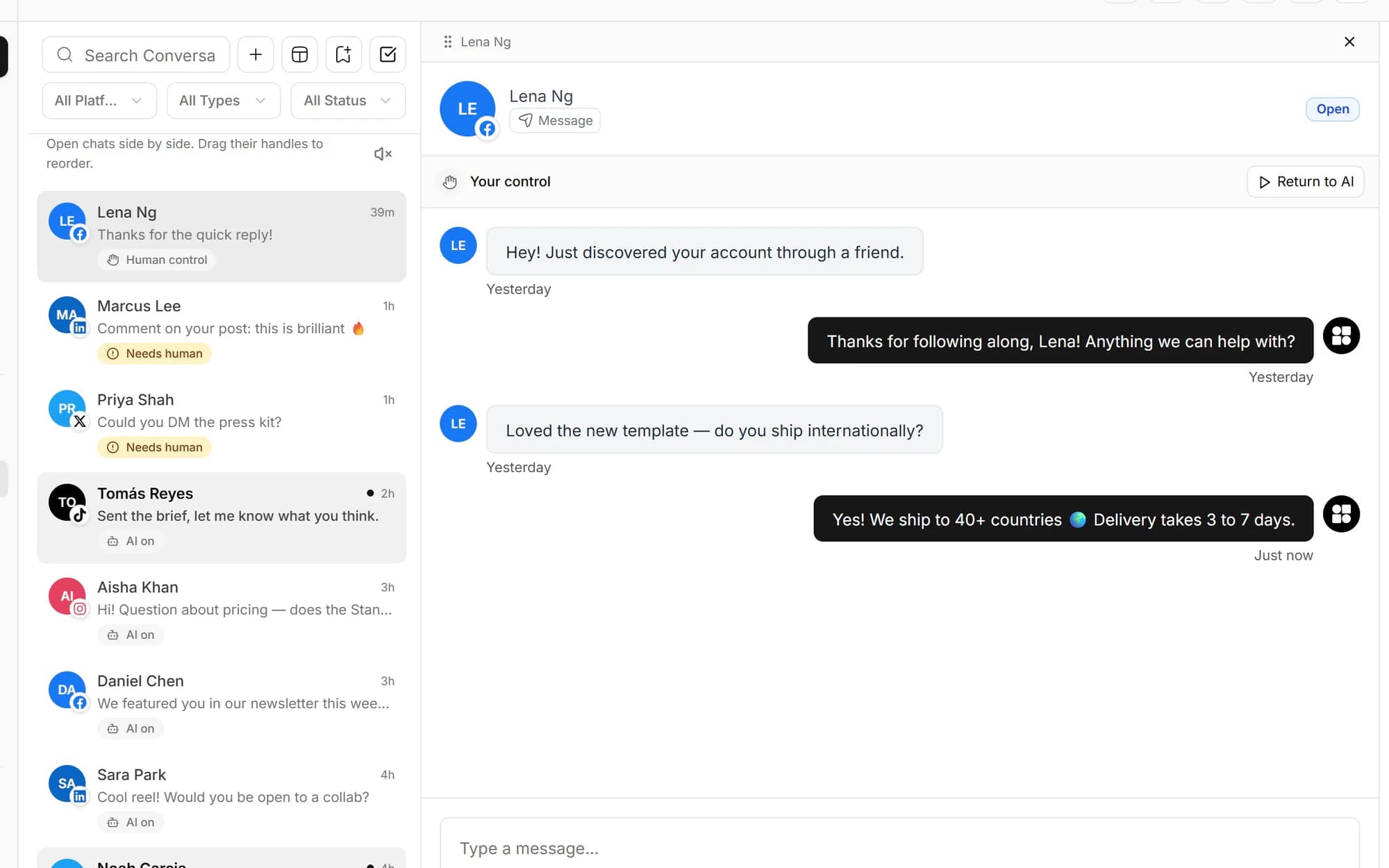
Filter down to what needs a reply
Filter by platform, by read or unread status, or search across the whole inbox to find a conversation fast. For Slack and Discord, scope down to channels, DMs or mentions so the noise collapses and real conversations surface.
- Filter by platform and read/unread status
- Full-text search across conversations
- Channel, DM and mention scoping for Slack and Discord

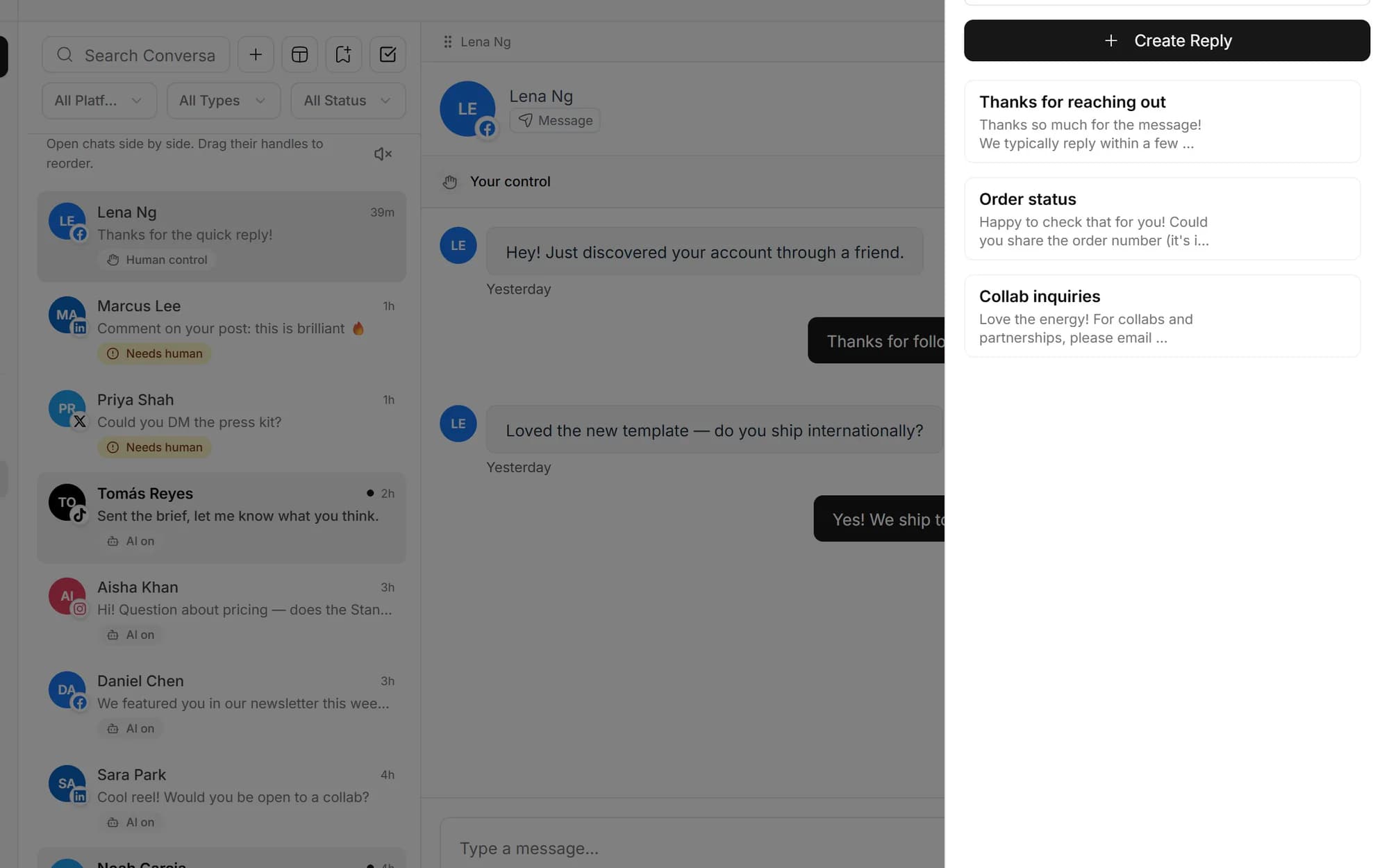
Reusable templates with variables
Save the replies you send over and over as templates, drop in variables for names and details, and reuse them across every conversation. Perfect for the 80% of messages that are 'thanks!', 'where can I buy?' or 'great post!'.
- Reusable saved-reply templates
- Variable placeholders for personalization
- Insert into any thread in one click
Reply, edit, delete and hide in place
Send replies and DMs straight from Social media studio through the platform's API, so they show up natively in the conversation. On supported platforms you can edit, delete or hide a comment without ever opening the native app.
- Send replies and DMs from one screen
- Edit and delete comments where the platform allows
- Hide comments to clean up your threads
Built for anyone whose DMs got out of control
Creators
Brand-deal DMs buried in Instagram and Facebook requests? Pull them into one feed and reply in one place.
Customer support
Field WhatsApp, Instagram and Facebook questions, plus Slack and Discord threads, without juggling tabs.
Community managers
Reply to every comment and mention across nine networks without losing your week to platform-hopping.
Agencies
Each client Hub has its own inbox, and team members only see the Hubs they are assigned to.
Facebook (Page comments and Messenger DMs), Instagram (comments, mentions and DMs) and WhatsApp (conversations) arrive in real time via webhooks. Bluesky, Mastodon, Reddit, Telegram, Discord and Slack are covered through the extended inbox. All nine land in one unified feed.
Reply directly from Social media studio. Your reply posts through the platform's API and shows up natively in the conversation, so you never have to open the native app to respond.
Yes. Instagram comments, mentions and DMs all surface in the unified inbox via the Instagram Graph API webhook, updating in real time.
Saved replies are reusable templates with variables for the messages you send over and over. Bulk reply lets you select a batch of conversations, preview the reply going to each one, and send them all at once.
Yes. Team members log into Social media studio with their own credentials, and the inbox respects per-Hub permissions. Members only see the Hubs they are assigned to, so each client or brand stays isolated.
Yes, where the platform supports it. You can hide and delete comments and edit them on platforms that allow it (for example, comment editing on Facebook), all without leaving Social media studio.
Schedule once.
Post everywhere.
Stop juggling tabs, draft, customize, and publish to 20 platforms from a single calendar.