The Linktree Alternative Included With Your Workspace
Build branded bio-link pages with themes, Instagram embeds, custom-domain hosting and built-in click + page-view analytics, included on every Social media studio plan.
Create your bio-link
Included with your workspace
Stop paying $5-24/month for Linktree. Get bio-links bundled with your scheduling tool.
Instagram grid embeds
Show off your latest Instagram posts in an embedded grid that links straight back to your content.
Click + view analytics built in
See total page views and clicks across your buttons, so you know what your audience taps.
On-brand designs
Preset themes plus custom colors. Match your Instagram grid, not a generic green page.
A bio-link page that looks like your brand
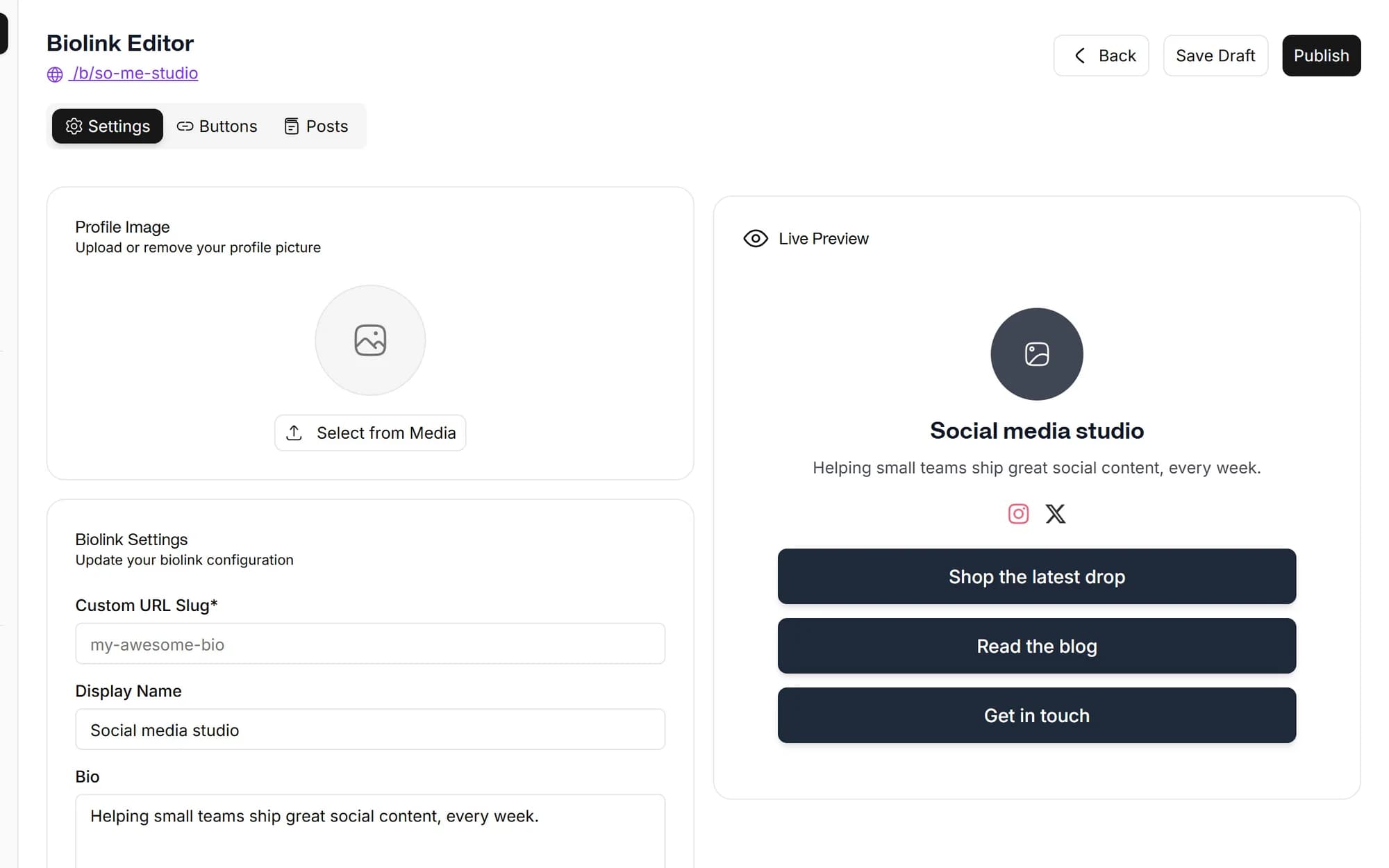
Pick a theme, add your links, set your colors, upload a profile image and write a bio. Minutes from new account to a live page, link, social, email, phone, file and text blocks all supported, not just plain links.
- Unlimited links per page
- Link, social, email, phone, file and text button types
- Drag-to-reorder, show or hide any item
Click-through analytics built in
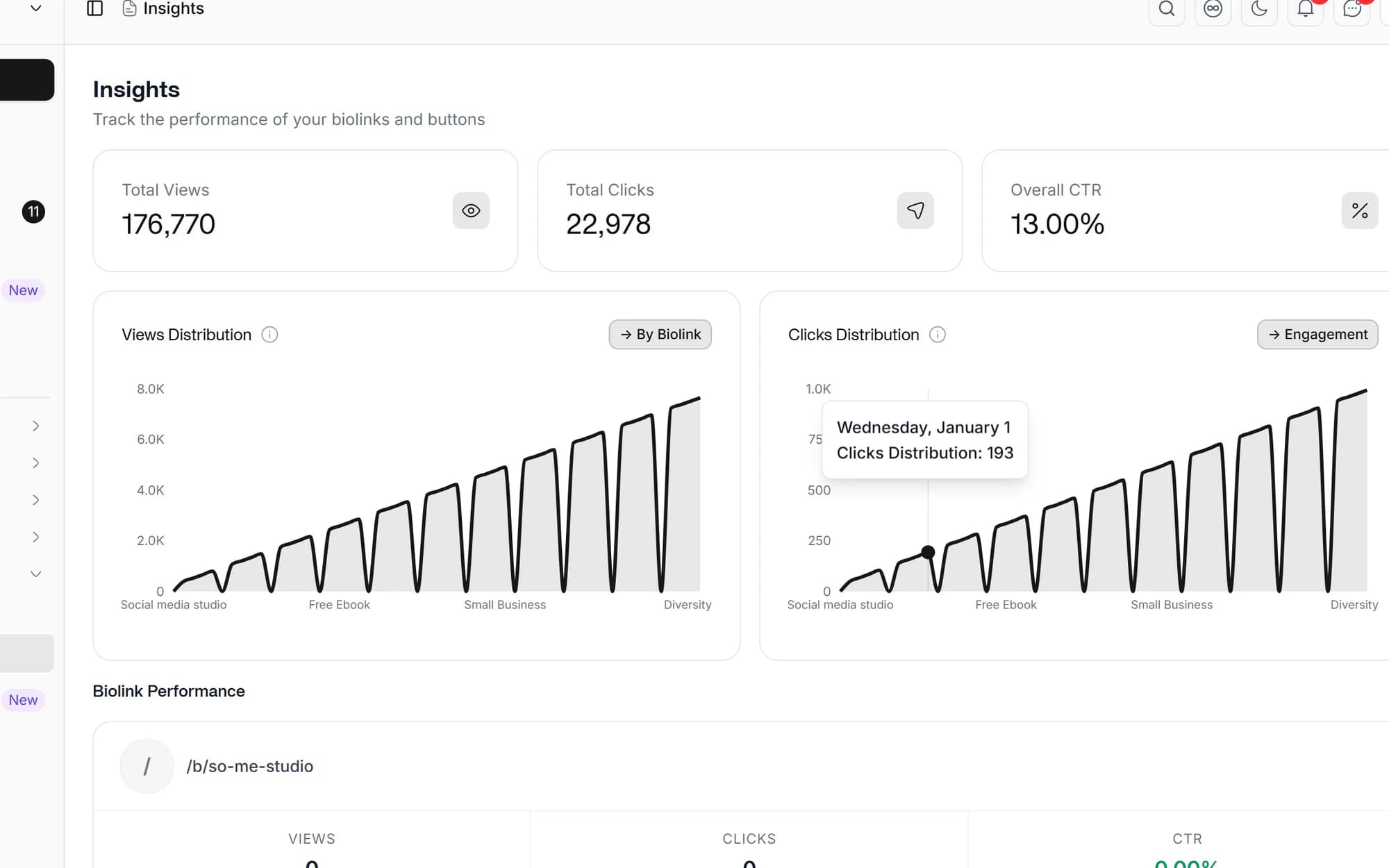
Track total page views and total clicks across your buttons, right inside Social media studio. See whether your bio-link is pulling traffic and which calls to action earn the taps, then iterate.
- Total page-view count per bio-link
- Total click count across your buttons
- All in the same dashboard as your post analytics

Themes, colors, and an Instagram grid
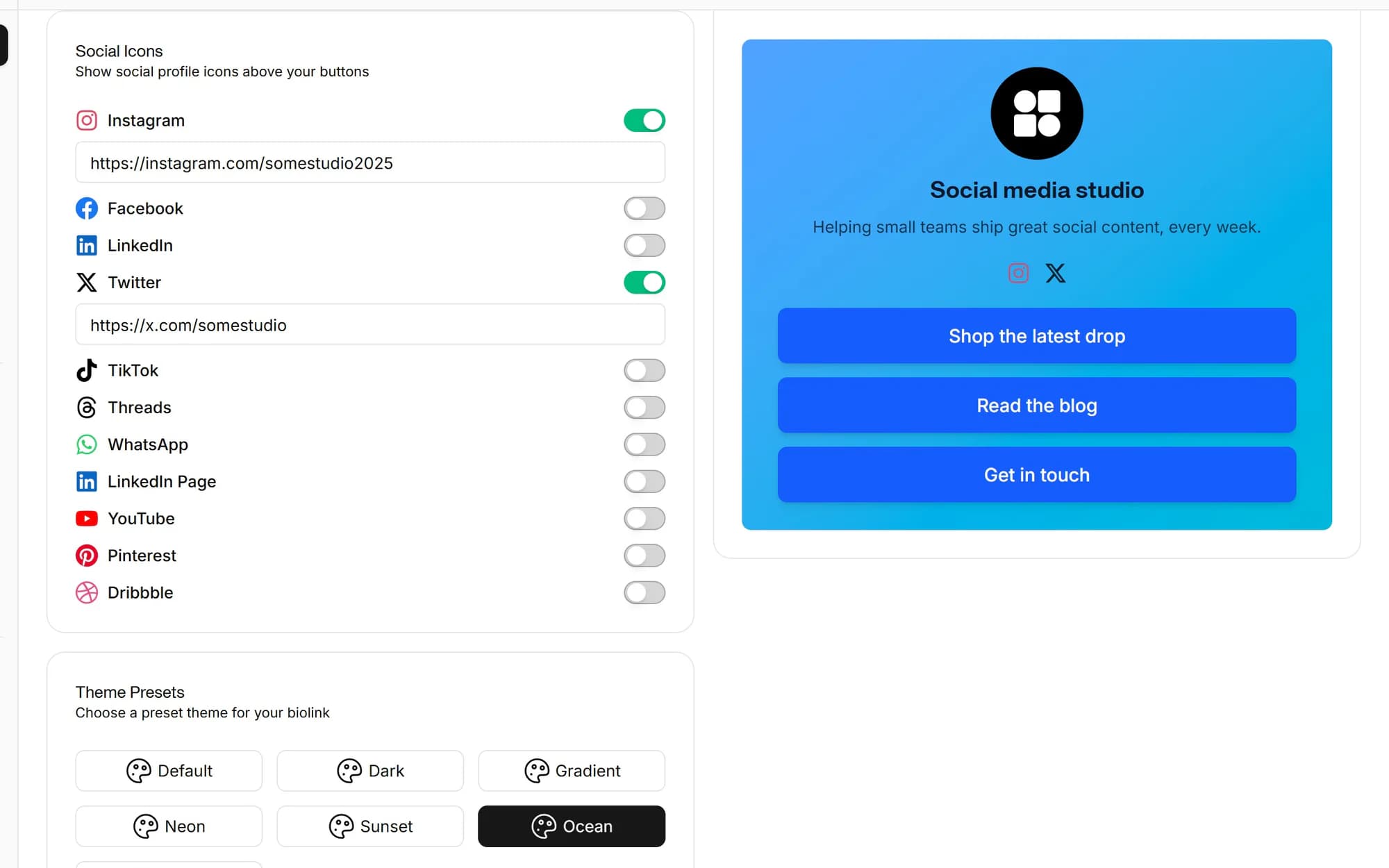
Start from one of eight preset themes or build a custom palette, background, text, button and button-text colors, and choose your button style. Show off your latest Instagram posts in an embedded grid that links straight back to your content.
- Eight preset themes plus a custom color theme
- Rounded, square, pill or outline button styles
- Embedded Instagram post grid with linkable posts
Built for anyone tired of Linktree's free tier
Creators
Link to Patreon, Substack, store, latest video, branded, on your own domain.
Founders
Bio-link → product, beta signup, founder Twitter, latest essay. All in one place.
Agencies
Branded bio-link page per client, included in your Hub, no per-page upcharge.
Small businesses
One bio-link drives followers to bookings, menu, location, reviews and contact.
Linktree charges $5-24/month for unlimited links, analytics and branding control. Social media studio includes all of that on every plan, plus a full social media scheduler, AI captions and cross-platform analytics, so you pay for one tool instead of two.
You can select from one of our beautiful pre-designed themes or build a custom palette specifying custom background, text, and button colors to match your brand style.
Start with a 7-day free trial. A credit card is required, but nothing is charged until the trial ends. Your selected plan renews automatically after 7 days unless you cancel in Billing. There is no free plan.
See the pricing table for current Lite, Standard, Advanced and Lifetime limits.
Each page tracks total views and total clicks across your buttons, shown alongside the rest of your Social media studio analytics, so you can see whether your bio-link is driving traffic and tweak your links accordingly.
Yes. Choose from eight preset themes or set a custom color theme (background, text, button and button-text colors), pick a button style, add a profile image and bio, and embed an Instagram post grid. You can add link, social, email, phone, file and text buttons and reorder or hide them anytime.
Schedule once.
Post everywhere.
Stop juggling tabs, draft, customize, and publish to 20 platforms from a single calendar.