Manage Multiple Social Media Accounts From One Dashboard
Connect every brand, profile and client account across 20 destinations in one workspace. Switch Hubs, schedule per audience, and keep team access tight, no password sharing required.
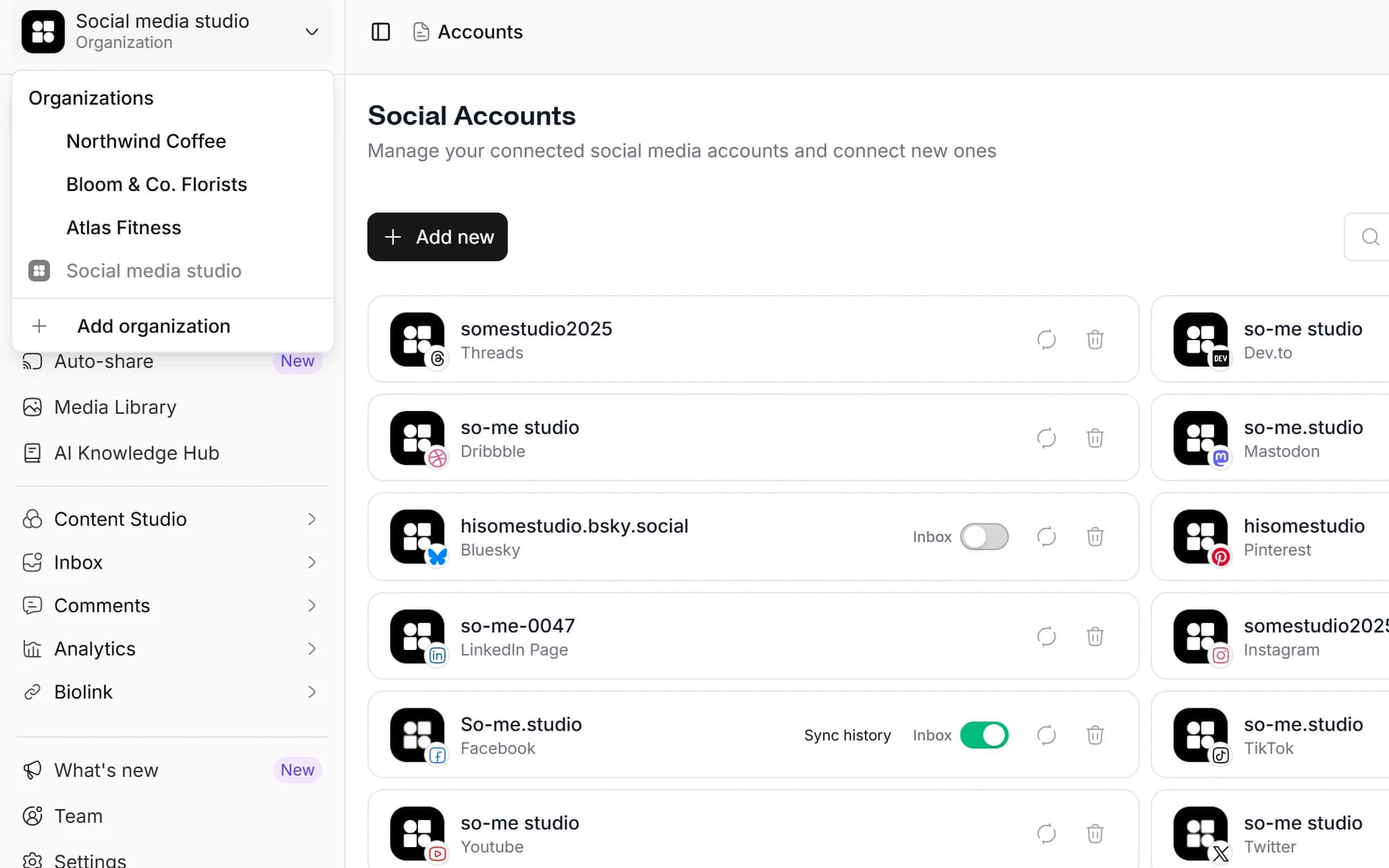
Connect your accounts
One dashboard, every account
Personal brand, side project, client work, switch Hubs without logging in and out.
No more shared passwords
Connect once via OAuth. Team members access accounts through Social media studio, not the raw login.
Role-based access per Hub
Invite owners and members to specific Hubs. Contractor leaves? Revoke in one click.
Cross-account analytics
See every brand's growth side-by-side, or drill into one. No more juggling tabs.
Hubs keep every brand isolated
Each Hub is a self-contained workspace with its own timezone and branding: its own connected social accounts, calendar, media library, inbox and analytics. Switch between Hubs in one click, nothing leaks between them.
- Per-Hub social accounts, brand colors, drafts and approvals
- Per-Hub team access, members see only assigned Hubs
- Spin up a new Hub when you take on a new client or launch a brand
Add the team without sharing logins
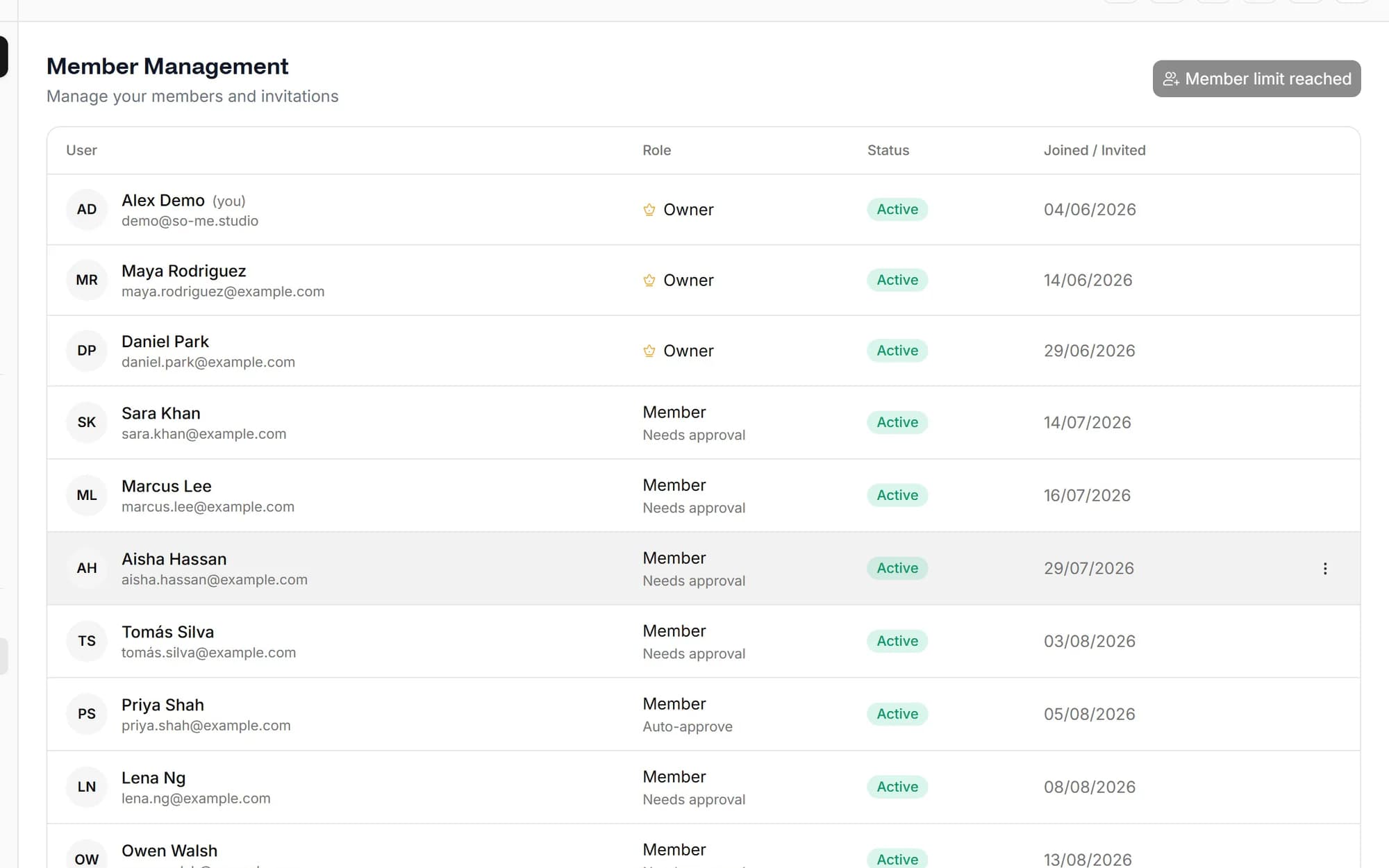
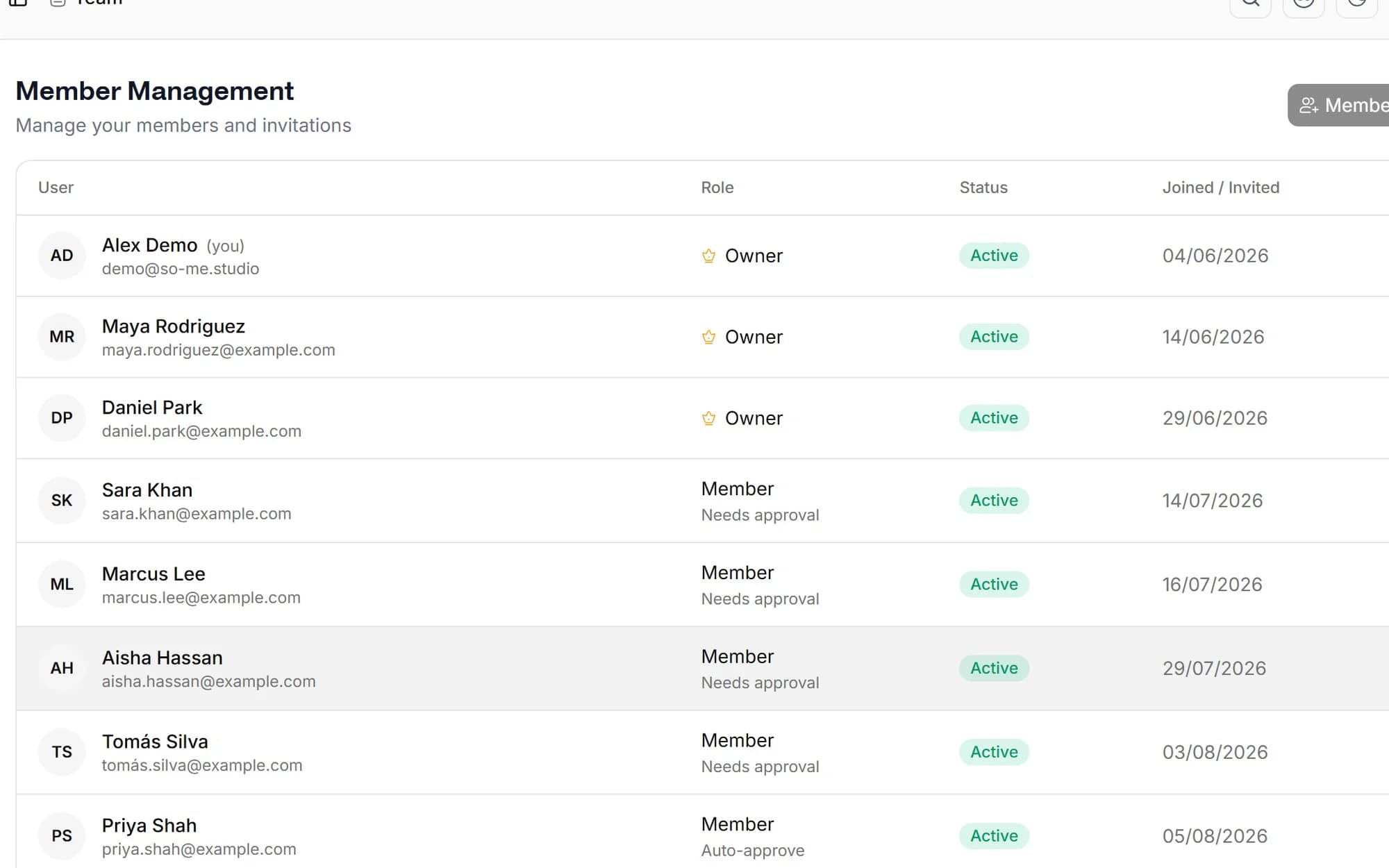
Invite team members to specific Hubs by email with owner or member access. They sign in to Social media studio with their own credentials and publish through your OAuth-connected accounts, never touching the raw platform passwords.
- Owner and member roles with role-based access
- Email invitations, accept, decline, or revoke instantly
- Per-Hub assignment so members only see their accounts

Approvals before anything publishes
Turn on approval per Hub and member drafts route to the owner for sign-off. Submit, approve or reject with a review comment, then resubmit, and retry failed posts in a click.
- Owner approve or reject with review comments
- Resubmit rejected drafts after edits
- Retry failed posts without rebuilding them
Compare every brand, or zoom in on one
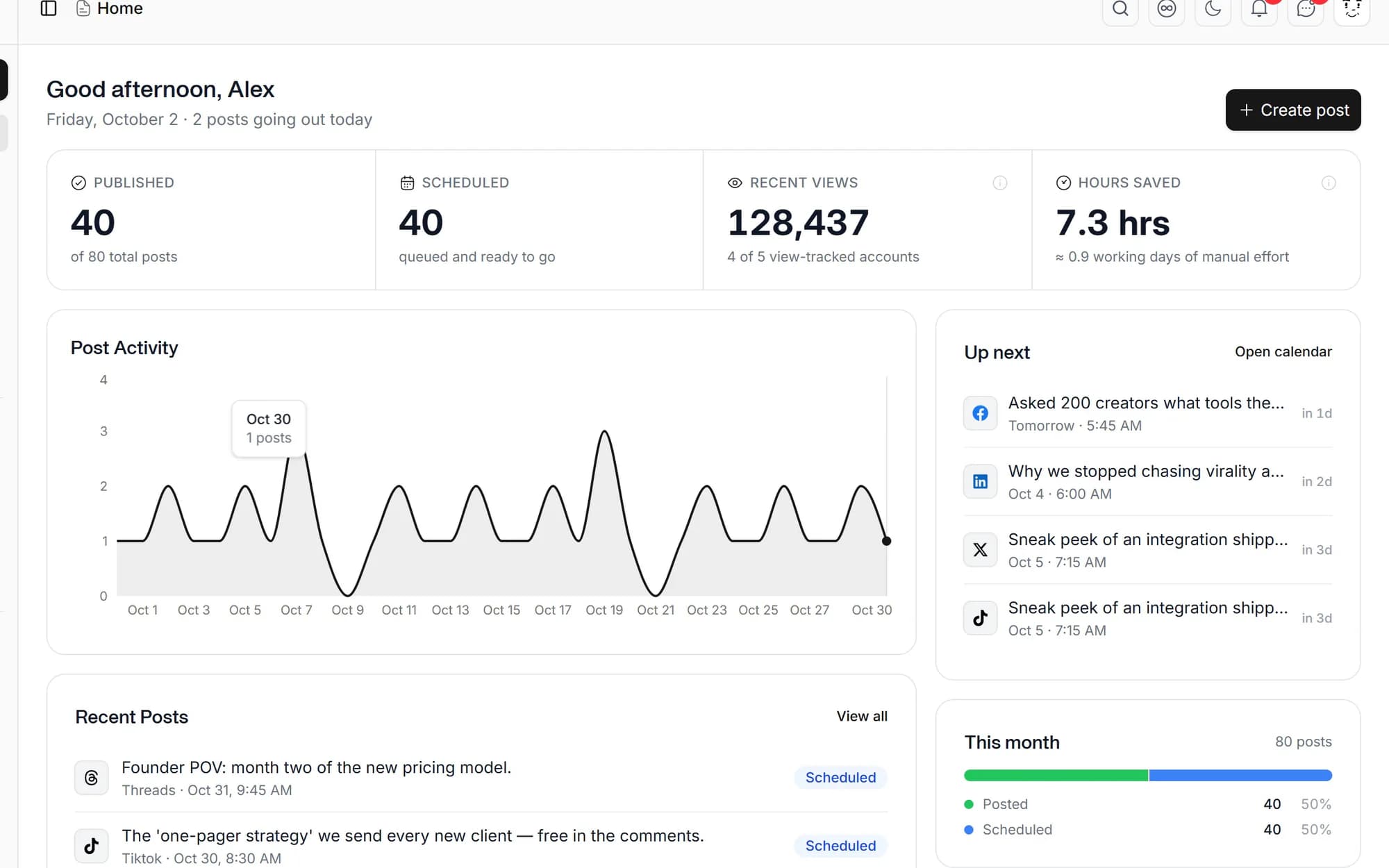
Cross-Hub dashboards stack each account's growth, engagement and posting cadence in one view. Switch to a Hub to drill into per-post and per-platform detail with period-over-period growth deltas.
- Cross-platform growth and engagement comparison
- Per-Hub follower delta, engagement rate and top posts
- Single-post unified analytics with growth deltas
Built for people running more than one account
Agencies
Each client gets a Hub with their own brand assets, calendar and access rules.
Multi-brand creators
Personal brand + side project + client work, three Hubs, one workflow.
Startups with multiple products
Marketing account, founder account, product launch account, kept separate, planned together.
Brands with regional accounts
Per-country or per-language profiles managed by local teams under one parent workspace.
Social media studio publishes to 20 destinations, including Twitter/X, Instagram, Facebook, LinkedIn (personal and Company Page), TikTok, YouTube, Threads, Pinterest, WhatsApp, Bluesky, Mastodon, Discord, Slack, WordPress and more. Each plan includes one connected account per supported platform; the Standard and Advanced plans are effectively unlimited.
See the pricing table for current Lite, Standard, Advanced and Lifetime limits.
Yes. Team members are invited to specific Hubs. A member assigned to Hub A won't see Hub B's accounts, drafts, inbox or analytics unless you explicitly add them.
No. Social media studio connects via OAuth on every platform. Your team logs in to Social media studio with their own credentials and publishes through the OAuth connection, they never see your raw login.
Remove them from the Hub and their access ends instantly. Their drafts and history remain in the Hub under your team's ownership.
Yes. The cross-Hub dashboard stacks every connected account's growth, engagement and posting cadence on one view, with period-over-period growth deltas. Switch into a Hub for per-post and per-platform detail.
Schedule once.
Post everywhere.
Stop juggling tabs, draft, customize, and publish to 20 platforms from a single calendar.