AI Social Media Post Generator in Your Brand Voice
Generate captions, hashtags and post ideas with AI tone presets, then rewrite one post for every platform. AI text is included on every plan and unlimited on Advanced.
Generate your first post
AI text on every plan
Captions, hashtags and post ideas on every plan: 500 credits a month on Lite, 2,000 on Standard and unlimited on Advanced.
Tone presets, not guesswork
Pick from presets like engaging, witty, professional or inspirational so every caption matches the mood you want.
Hashtags matched to the post
Generate a relevant hashtag set for the specific post and platform, choose how many you want, then edit and ship.
One idea, every platform
Rewrite a LinkedIn post into a Twitter/X thread or Instagram caption, each shaped to that platform's length limits.
AI captions with the tone you pick
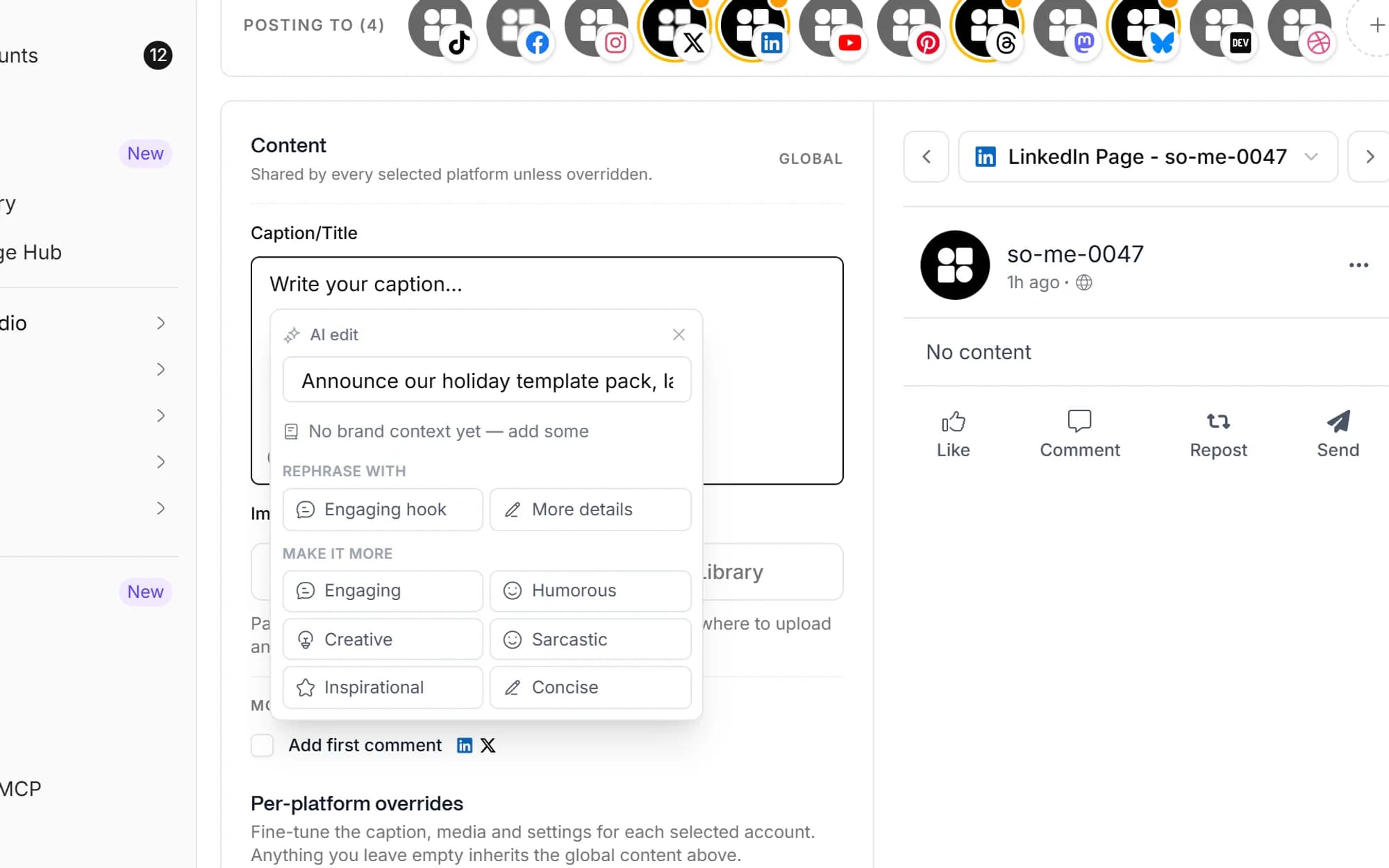
Tell the AI what your post is about and choose a tone, engaging, professional, witty, inspirational and more. It drafts a caption you can edit and ship, sized to the platform you're posting to.
- Tone presets per generation
- Caption length matched to each platform's limits
- One-click rewrite to add a hook or more detail
Hashtag sets that match the post
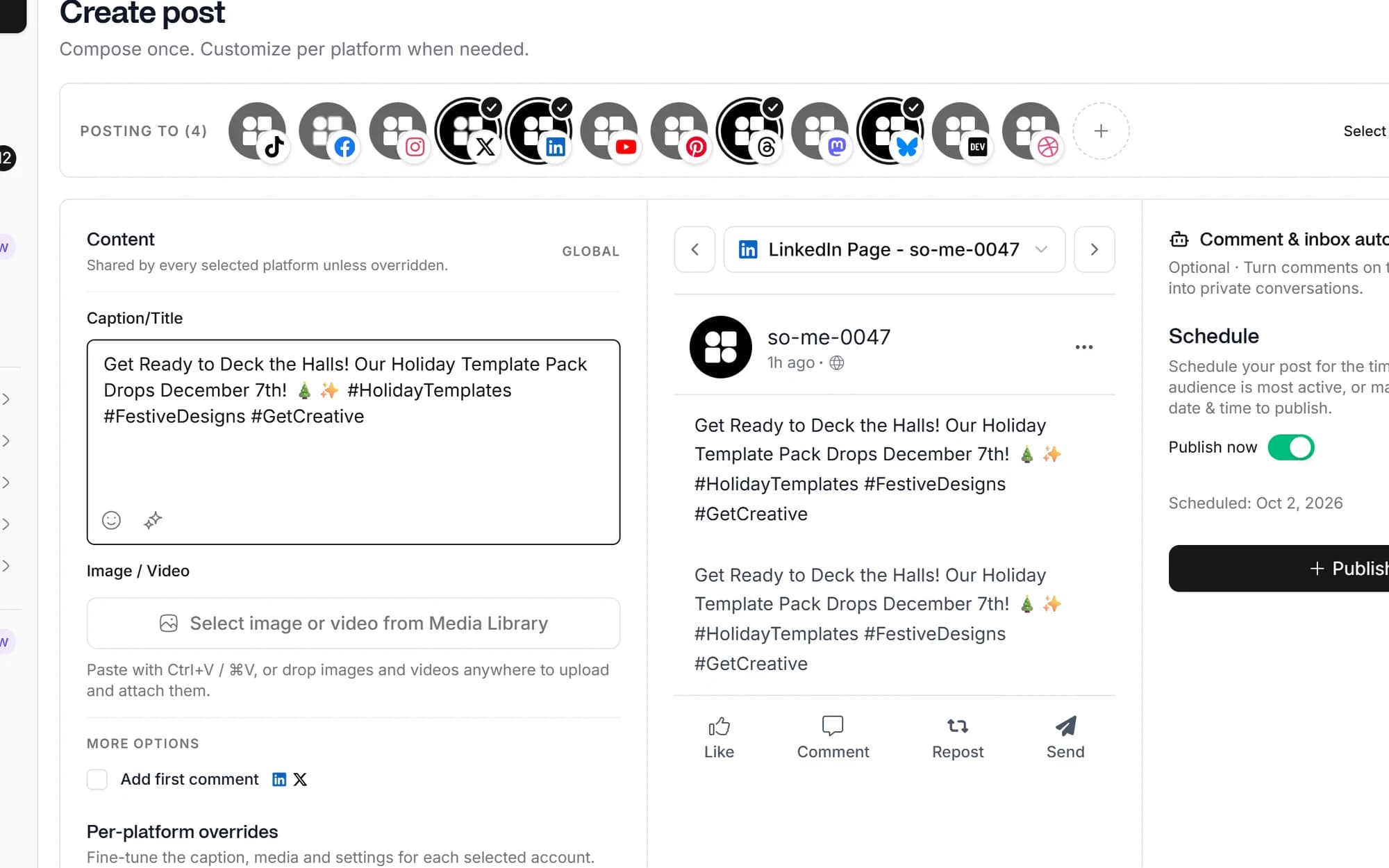
Generate a hashtag set tuned to the specific post and platform. Set how many tags you want, drop the ones that don't fit, and reuse the rest in your next caption.
- Hashtags generated from the post content
- Control the number of tags per generation
- Edit and keep the ones that fit your niche

Beat the blank page with AI drafts
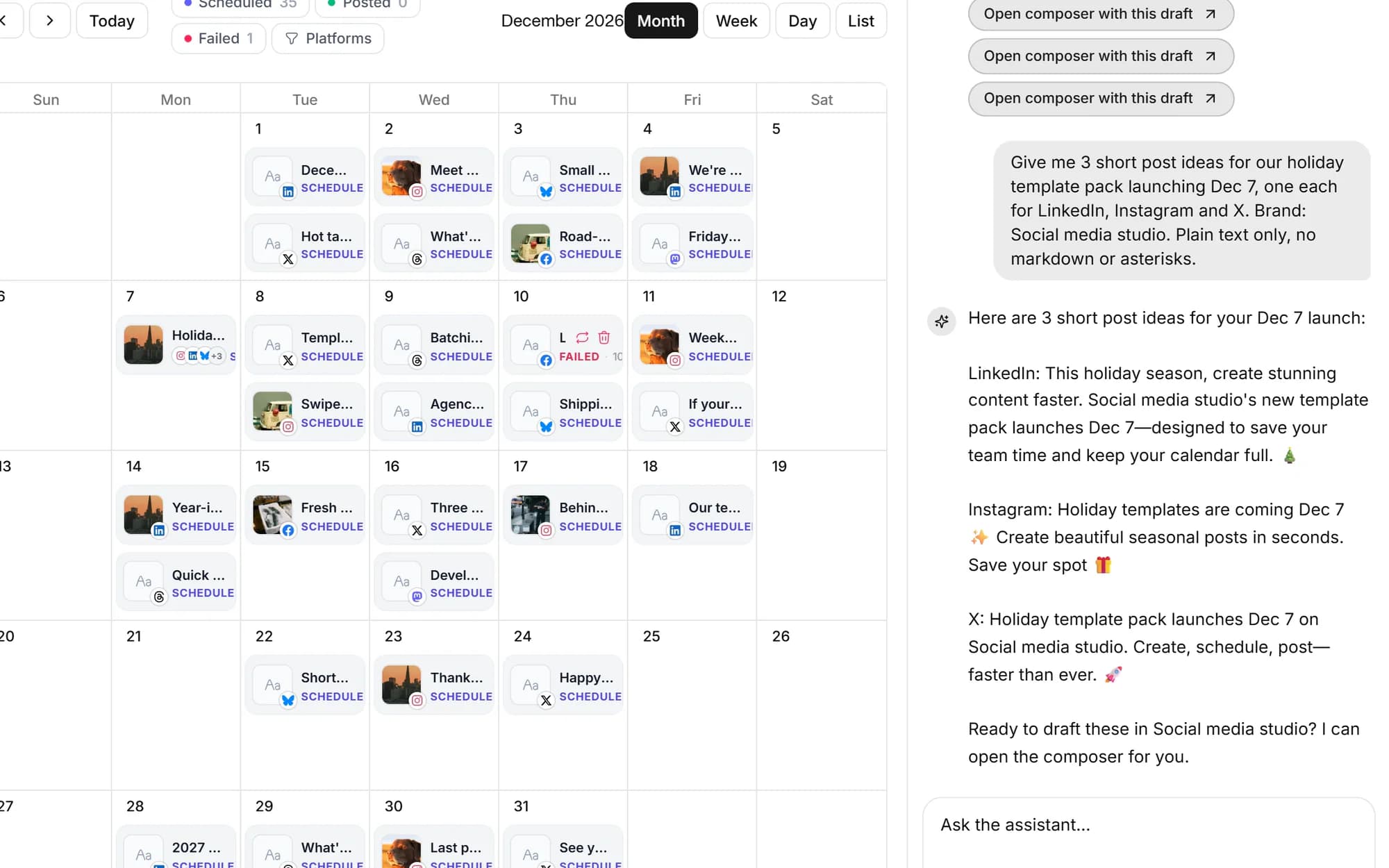
Stuck on what to post? Describe a topic, paste your text, or pull in your workspace knowledge docs, and the AI drafts captions, threads, bios and post copy you can refine, then save the ones you like as drafts.
- Generate post copy, threads, bios and more
- Ground generations in your workspace knowledge docs
- Save chosen drafts and send them to the scheduler
One post, every platform's format
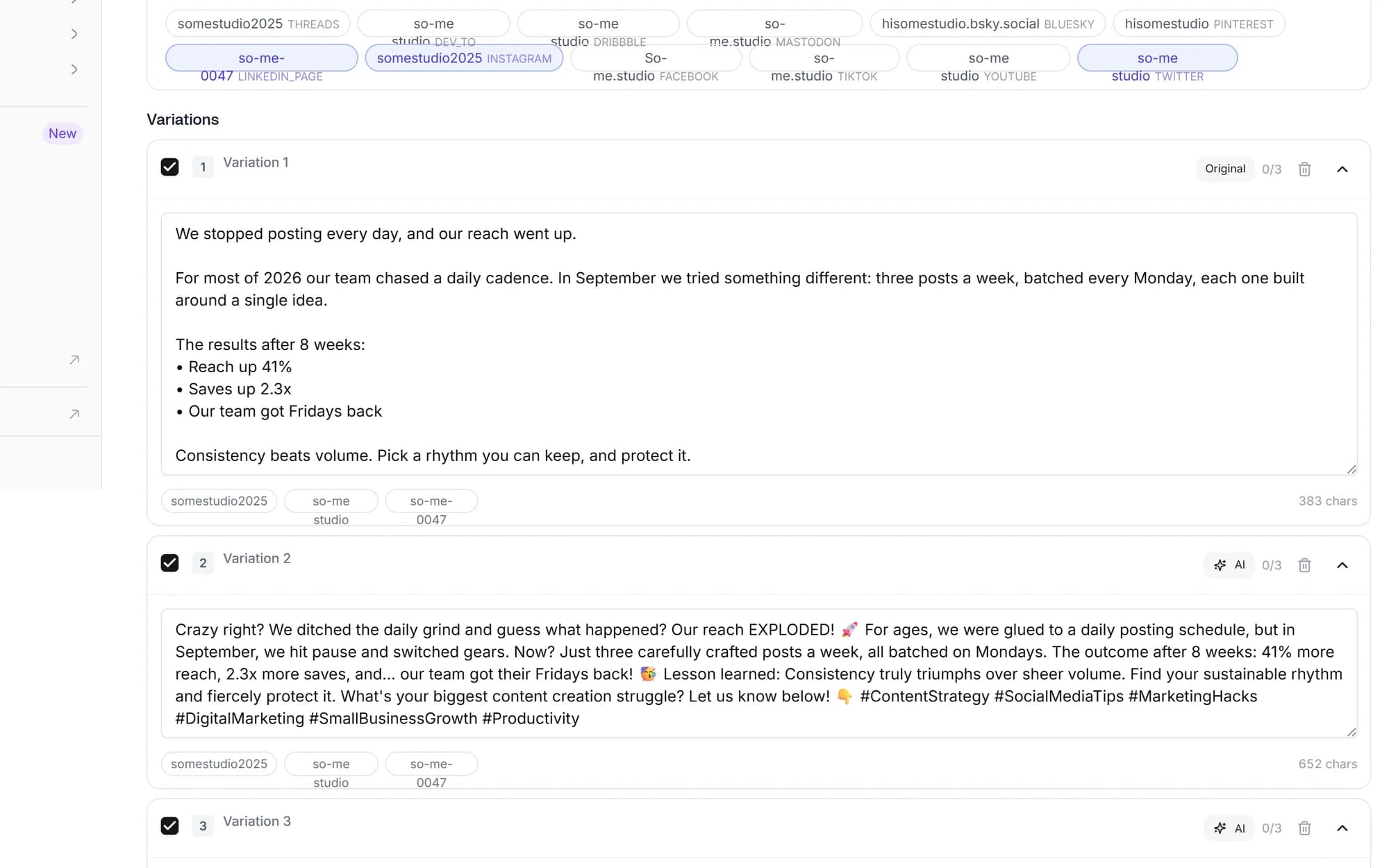
Wrote a long LinkedIn post? Rewrite it for Twitter/X, Instagram, Facebook, TikTok and more. The AI restructures and resizes the copy to each platform's character limits while keeping your tone.
- Cross-platform rewrite by target network
- Auto-resize copy to each platform's limits
- Keep the same tone preset across every version
Built for everyone who hates the blank page
Solo creators
Write a week of captions in 30 minutes instead of fighting the blank box every day.
AI-first teams
Plug into the MCP server or REST API to build content agents on top of our generation engine.
Founders
AI drafts the first version in the tone you choose, you edit and ship instead of starting cold.
Agencies
Each client gets an isolated workspace with its own accounts, drafts and approval flow.
Unlimited on Advanced and Lifetime. Lite includes 500 AI text credits a month and Standard includes 2,000, which covers daily captions, hashtags, bios and post copy for most accounts. If you need more, move to Advanced for unlimited AI text.
You choose a tone preset for each generation, options like engaging, professional, witty, friendly, concise and inspirational. You can also ground generations in your workspace knowledge documents so the copy reflects your context, then edit before publishing.
Not if you do a quick edit pass before publishing. The AI gets you most of the way, a small human edit catches anything generic and adds your specific take. That's the workflow most creators use.
Yes, we offer free standalone tools including AI post and bio generators, image resizers, a meta-tag tool and a social media character counter. The AI caption, hashtag and rewrite generation lives inside the app and is included on every plan.
AI image generation is rolling out on our paid plans (Standard and Advanced get the most capability). Today most users pair the AI captions with their own visuals, Canva, Figma or real photos.
Yes. The MCP server and REST API expose generate_caption and generate_and_schedule tools so agents can draft and schedule posts programmatically. See our /ai-agents page for setup.
Schedule once.
Post everywhere.
Stop juggling tabs, draft, customize, and publish to 20 platforms from a single calendar.