Social Media for Content Creators That Saves 14+ Hours a Week
One workspace for all 20 destinations, schedule Instagram, TikTok, YouTube, LinkedIn, Twitter/X, Facebook, Threads, Pinterest and more, draft captions with AI, design with the built-in media editor, build a bio-link page, run every DM and comment from one inbox, and track what actually grows your audience.
Start 7-day free trialSave 14+ hours a week
Batch a full week of content in one 30-minute session instead of posting in real time.
AI captions
Beat the blank page on every plan. Captions, hooks, hashtags, bios.
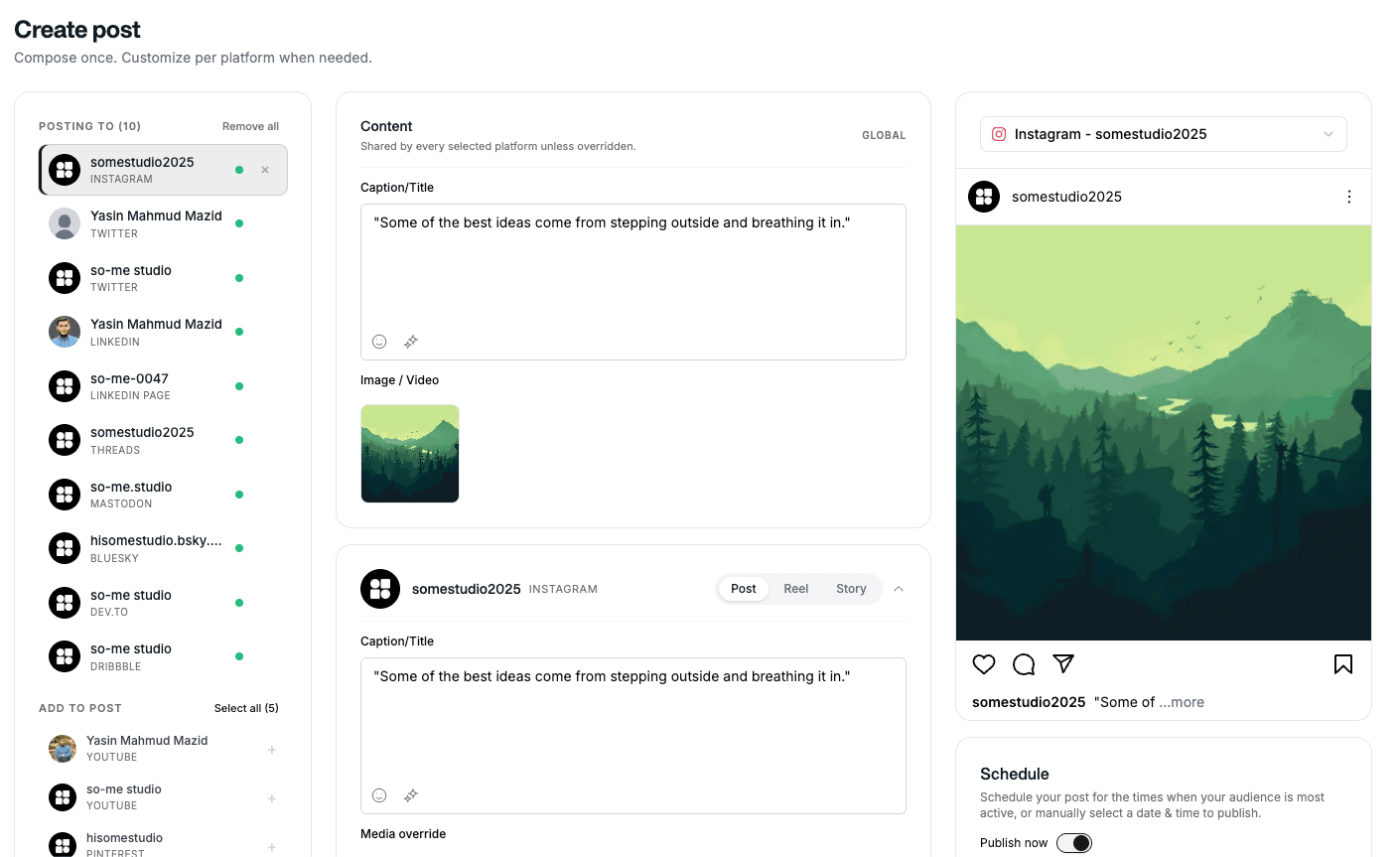
20 platforms, one editor
Instagram, TikTok, YouTube, LinkedIn, Twitter/X, Facebook, Threads, Pinterest, WhatsApp and more, write once, tweak per platform.
Creator-grade analytics
Go beyond likes. See what drives followers, saves, watch time and outbound clicks.
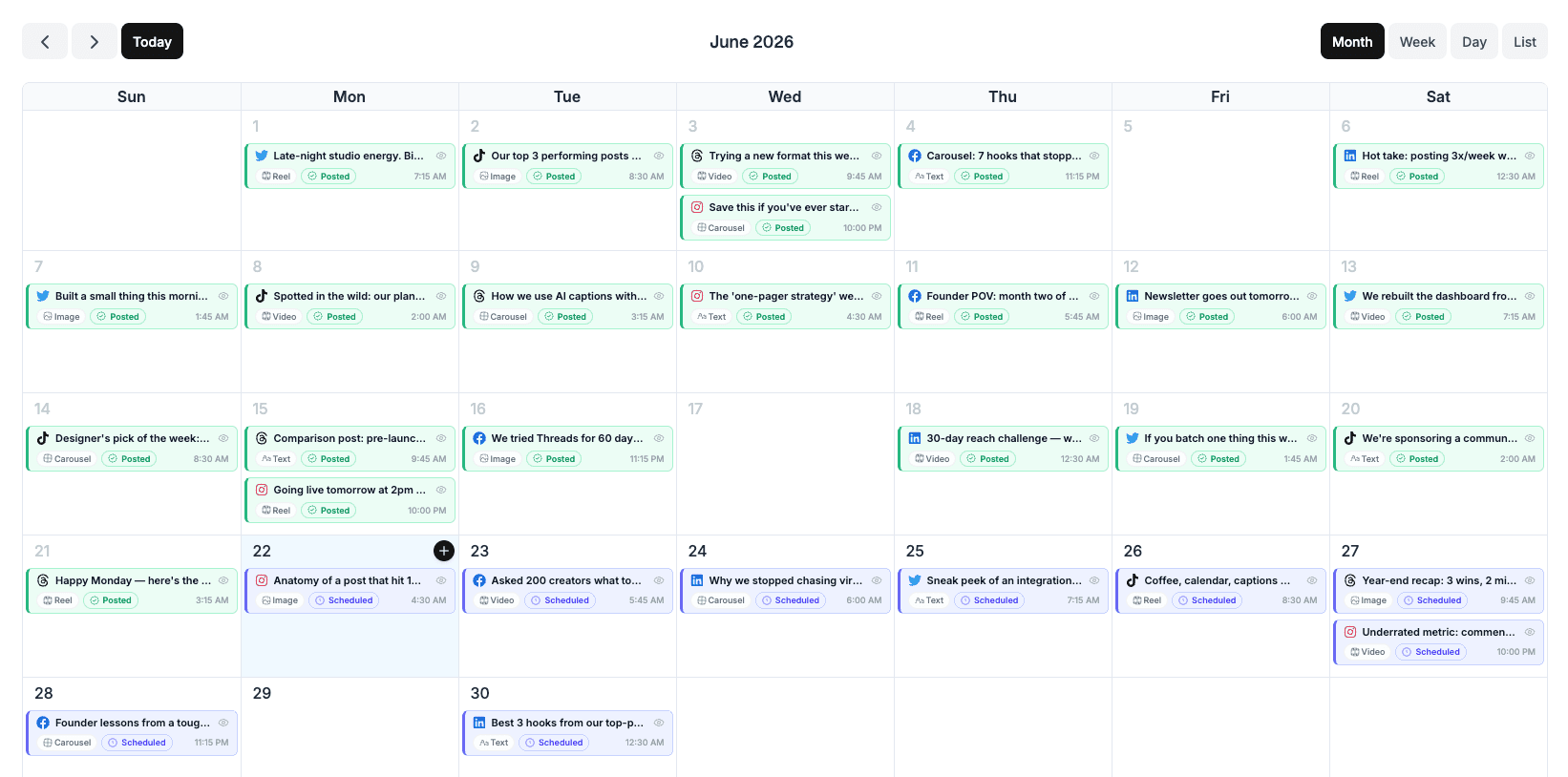
A visual calendar built for batching
Drag-and-drop scheduling across every connected platform. See your whole week side-by-side, drop a Reel here, a thread there, ship the lot in one click.
- Stack posts per day and per platform
- Best-time suggestions per audience
- Reuse winning posts with one click

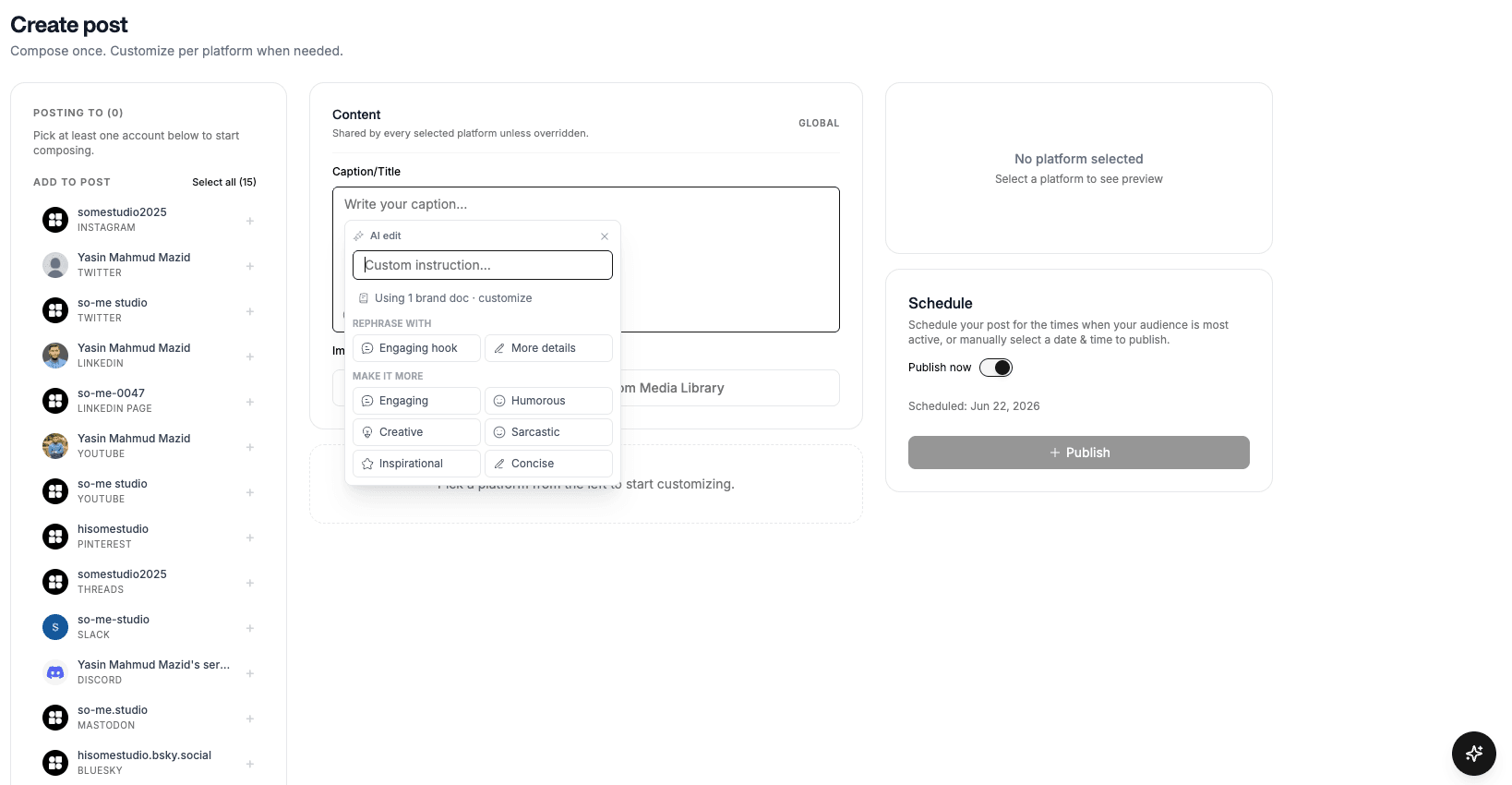
AI that writes like a creator, not a press release
Tell it what your post is about, it drafts a caption that matches your niche and tone. Generate hashtag sets, rewrite for a different platform's voice, or brainstorm a week of content ideas when you're stuck.
- AI text credits on every plan, unlimited on Advanced
- Tone presets per platform
- Free standalone caption + hashtag generators

One long-form video, fifteen-plus posts
Turn a YouTube upload into Reels, TikToks, LinkedIn carousels and Threads in minutes. Stretch every shoot day across weeks of content without re-filming.
- Auto-resize for every platform's aspect ratio
- Brand-kit colors, fonts and templates baked in
- Schedule the entire derivative set in one flow
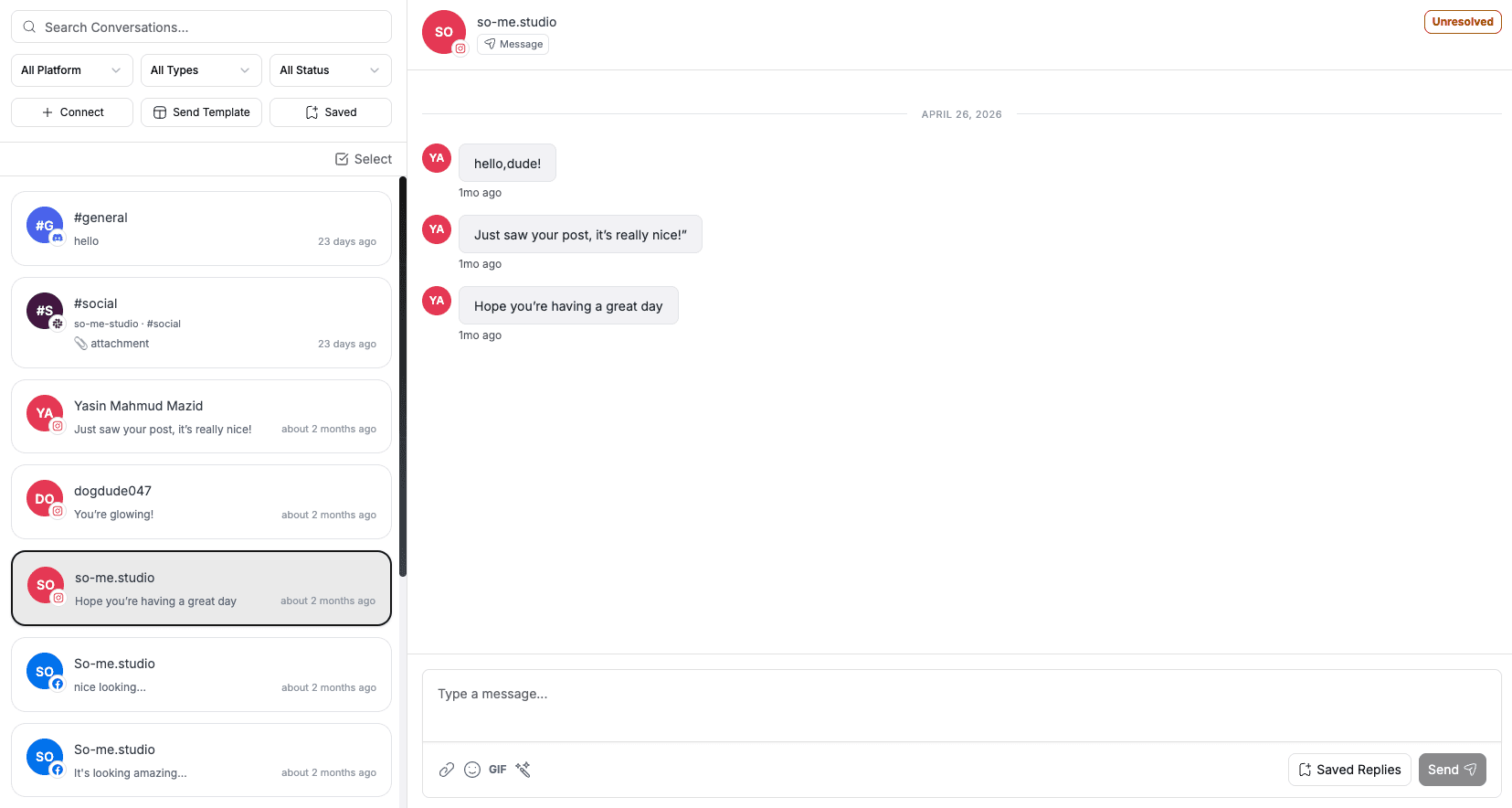
Every DM and comment in one inbox
Brand-deal DMs buried in Instagram requests? Comments missed on TikTok? Pull every reply from every connected account into one real-time feed and clear it in 5 minutes a day.
- Reply across platforms without switching apps
- Saved replies and bulk-reply batches
- Snooze, assign, or convert to tasks
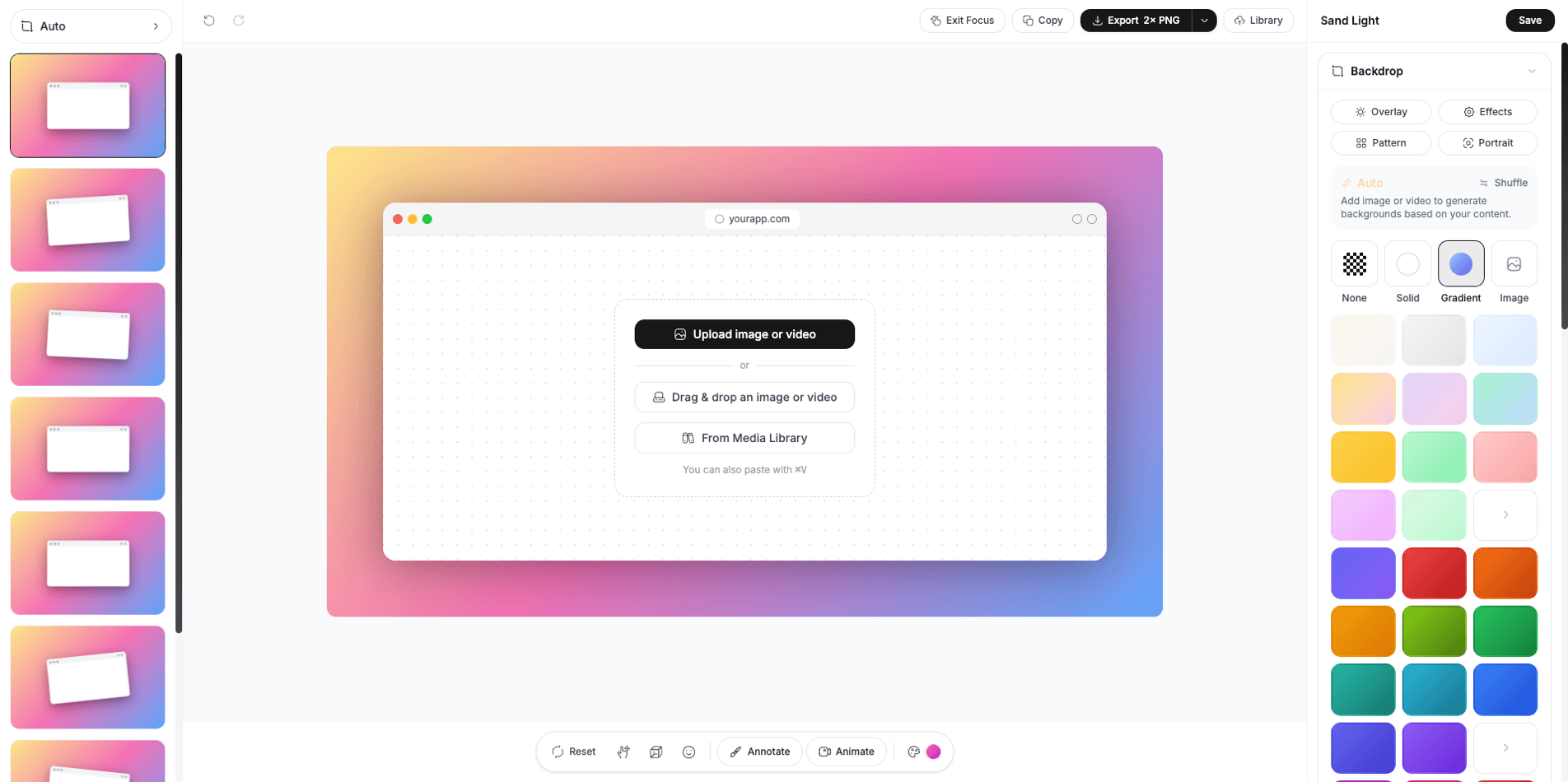
A full media studio, no design app required
Edit photos with the built-in image editor, stitch and caption clips in the video composer, and build scroll-stopping graphics from meme, quote-card and template presets, then drop them straight into a post.
- Screenshot/visual editor with layers and animation
- Video composer (trim, stitch, face detection) powered by FFmpeg
- AI image and UGC/avatar video generation rolling out
One bio-link to send every follower
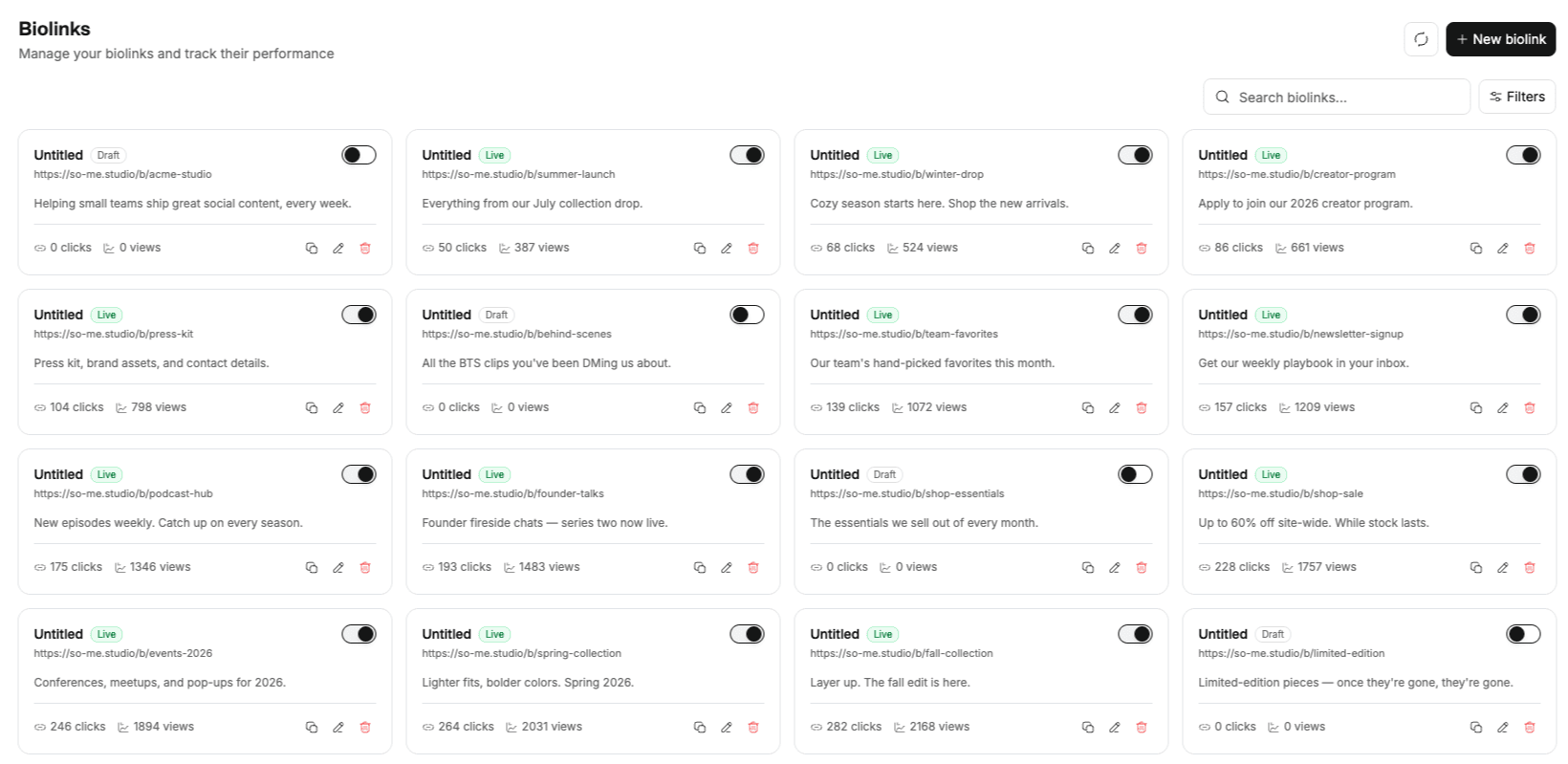
Turn the single link in your bio into a branded landing page, your latest video, your shop, your newsletter, your other socials, with themes you control and click analytics that show what your audience actually taps.
- Custom themes, buttons and Instagram embeds
- Click and page-view analytics built in
- Unlimited links, social buttons and text blocks
Built for creators at every stage
From your first 1,000 followers to a multi-platform brand, pick a plan, keep the workflow.
Solo creators
Managing your own brand across multiple platforms without a team or an agency.
Influencers
Need daily posting consistency, brand-safe captions and a clean inbox for partnership DMs.
Freelance creators
Making content for yourself and a small client roster, keep work and personal brand separate.
Side-project creators
Full-time job, content on the side. You need batching, AI and a system that survives a busy week.
Depends on your format and audience. YouTube is the most profitable long-term thanks to ad revenue and search-driven views. Instagram and TikTok are fastest for follower growth in visual niches. LinkedIn dominates for B2B and personal-brand creators. Social media studio publishes to all of them from one workspace, so you don't have to pick just one.
Start with a 7-day free trial. A credit card is required, but nothing is charged until the trial ends. Your selected plan renews automatically after 7 days unless you cancel in Billing. There is no free plan.
Yes. Social media studio supports scheduling feed posts, reels, stories, and carousels on Instagram, plus TikTok, YouTube, LinkedIn, Twitter/X, Facebook, Threads, Pinterest, WhatsApp and more, 20 destinations in total from one editor.
Tell the AI what your post is about, and it generates a caption. Edit it to match your voice. Works for captions, hashtags, bios, and more. Every plan includes AI text credits: 500 a month on Lite, 2,000 on Standard and unlimited on Advanced.
Yes. If you create for clients alongside your own brand, use separate workspaces for each. The Standard plan includes up to 3 workspaces plus team seats with role-based access and approval workflows; Advanced makes workspaces and seats unlimited.
See the pricing table for current Lite, Standard, Advanced and Lifetime limits.
From the blog
AI agents for social media: architecture and implementation
AI agents automate social media workflows by integrating content generation, scheduling, and analytics into autonomous systems. No manual UI clicks required.
Why Approval Workflows Matter When AI Runs Your Social Media
When AI agents draft and schedule your posts, an approval workflow is the control layer that prevents off-brand content, legal exposure, and posting mistakes from going live unreviewed.
Auditable AI: Why Every Post Should Have a Paper Trail
Auditable AI in social media means every post decision is recorded and retrievable: who created it, who approved it, when it published. This is not optional for regulated industries or accountable teams.
Schedule once.
Post everywhere.
Stop juggling tabs, draft, customize, and publish to 20 platforms from a single calendar.