Run comment giveaways. Keep conversations going.
Turn comments into giveaway entries on posts published through Social media studio. Set entry rules, choose winners, and review how to contact them—alongside keyword workflows and AI replies.
Start with comment giveaways
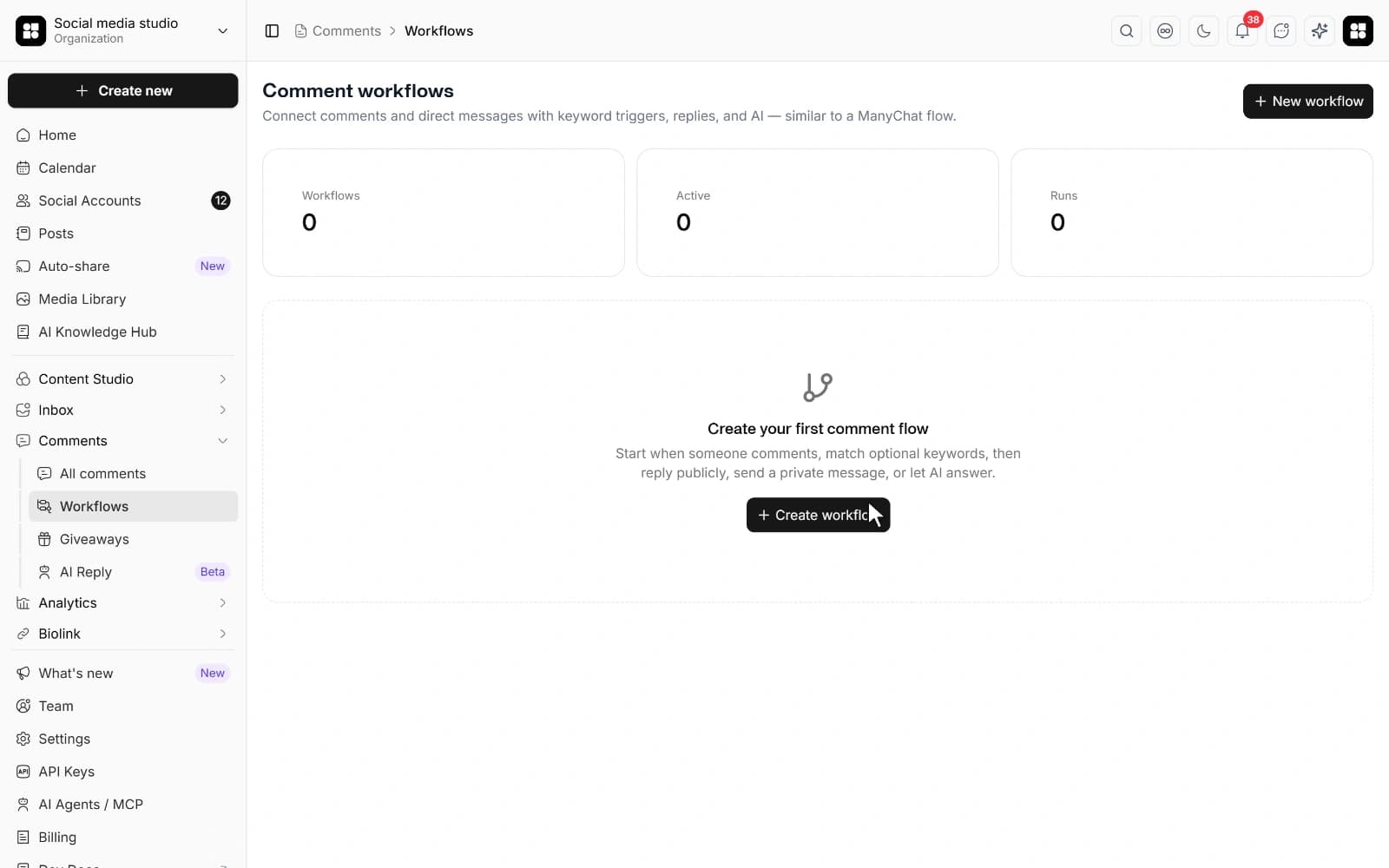
Comment giveaways
Set entry rules and choose random, first-eligible, or manually selected winners.
Keyword triggers
Respond when a comment includes any or all of your chosen keywords.
Public and private replies
Reply in the comments, or send a private reply where supported.
AI assistance
Set instructions and tone for replies that respond to the message.
Your post. Your rules. Your winners.
Run a giveaway on a Facebook Page, Instagram professional account, X, or YouTube post published through Social media studio. Each campaign belongs to one platform post; account permissions and comment access apply.
- Set the entry period and official rules, with optional include/exclude phrases. Publish the rules with your post.
- Give each identifiable person one entry from their earliest qualifying top-level comment. Duplicate and owner comments are excluded.
- After entries close, import comments and choose winners randomly, by earliest eligible entry, or manually. Incomplete imports block the draw.
- Finalize the winners once and download a record of the rules, entries, selection, and contact outcomes.
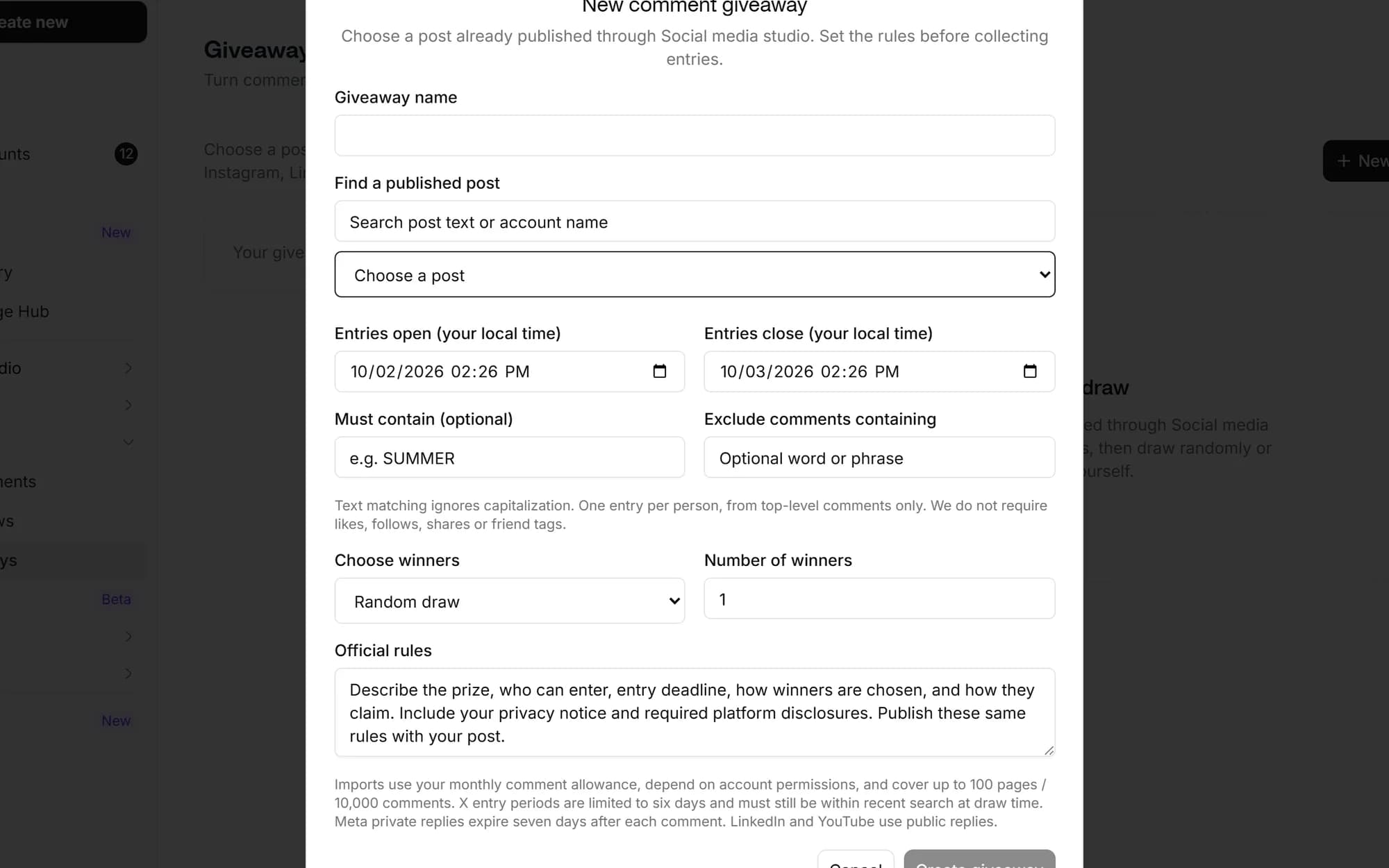
Start with the comments that matter
Pick your platforms and the words that should start a conversation. Use a keyword such as GUIDE to respond to people asking for a resource.
- Choose new comments or incoming DMs as the trigger.
- Match any keyword or require all your keywords.
- Leave keywords empty to match every incoming message on the selected platforms.

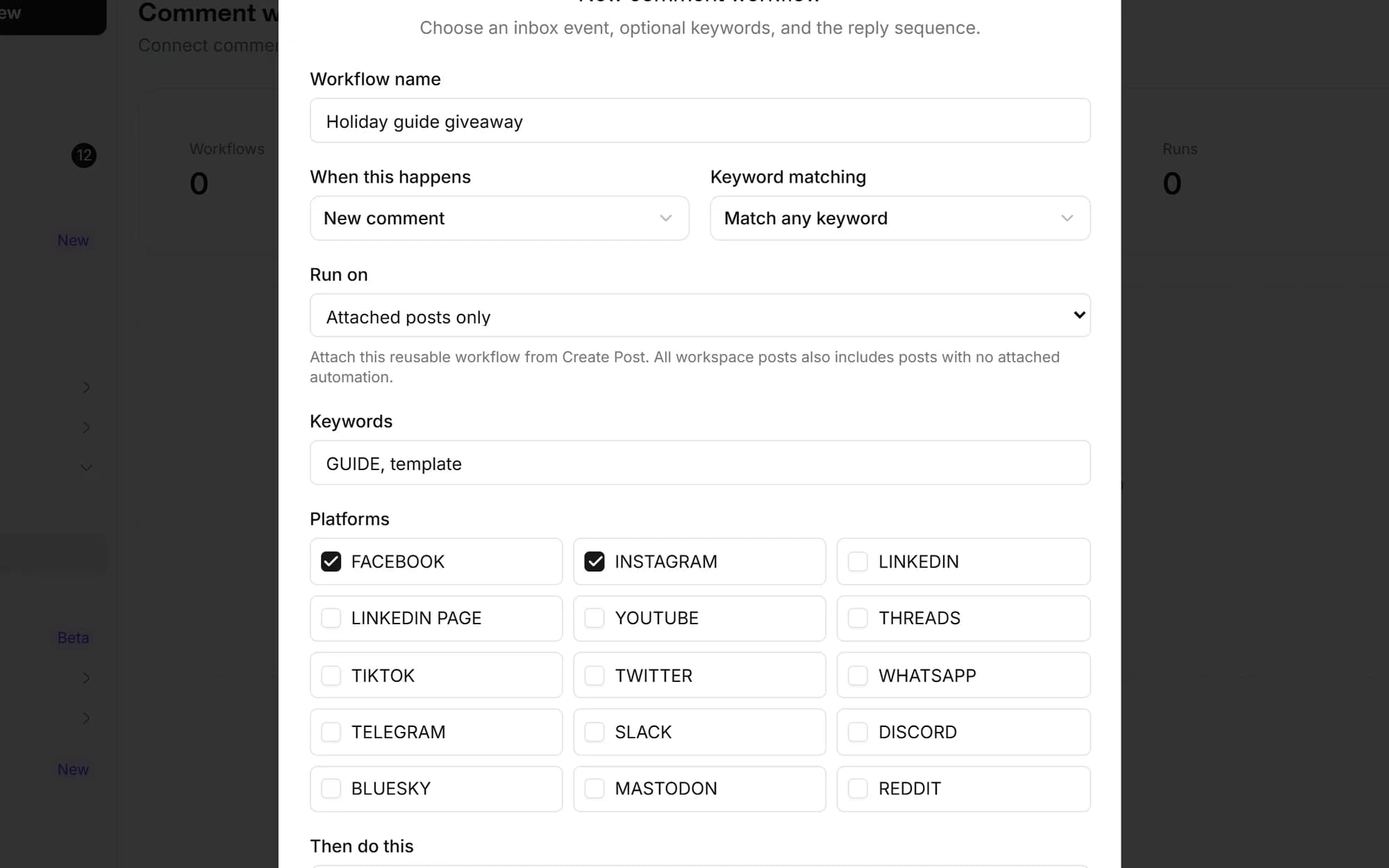
Answer publicly. Follow up privately.
Use a public reply, a private reply, or both. Share helpful information without writing the same response every time.
- Personalize templates with the sender’s name, comment, or platform.
- Private replies from comments are available for Facebook and Instagram only.
- Delivery depends on account permissions and the platform’s messaging rules.
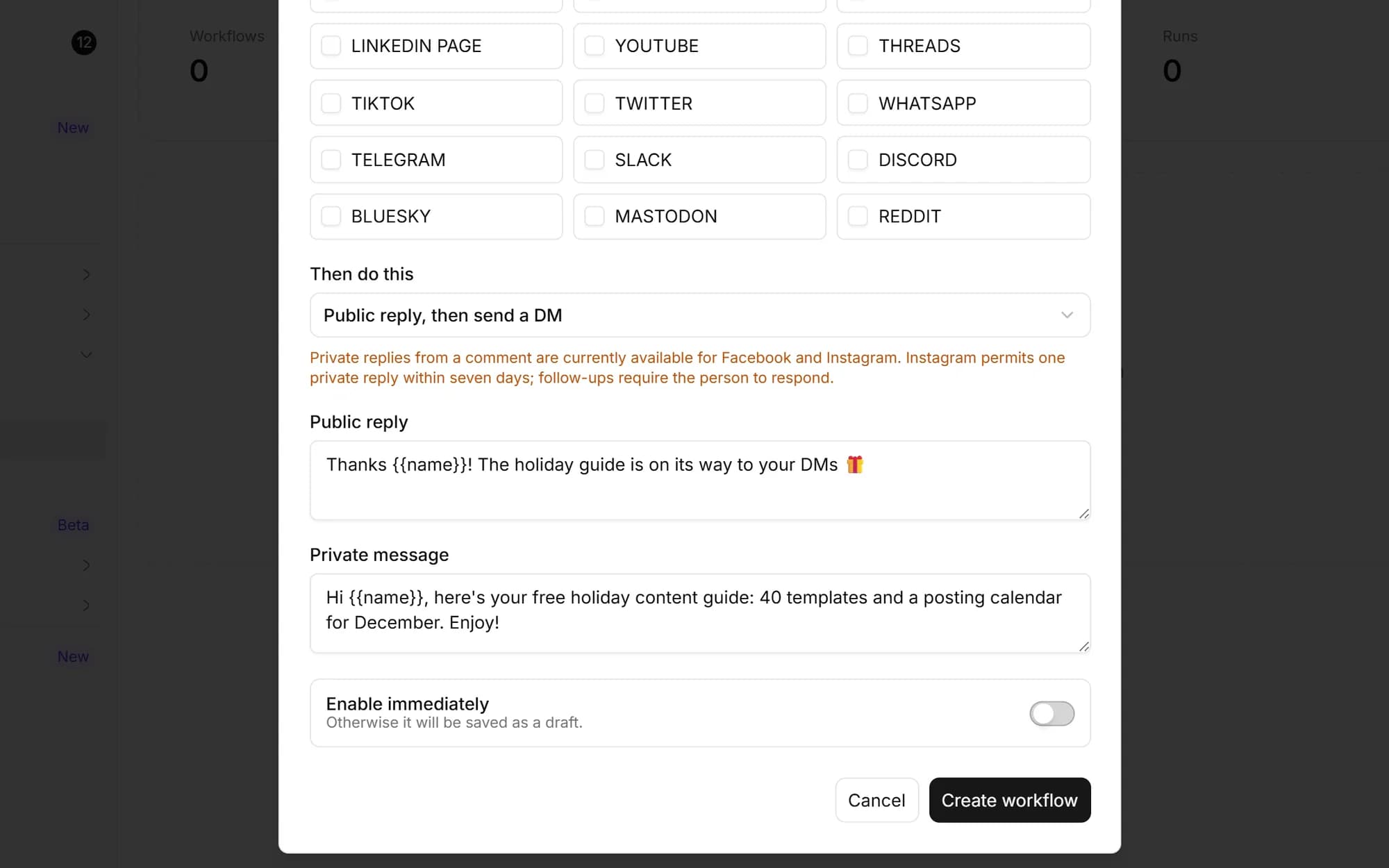
Make room for a more thoughtful reply
Use AI instructions and tone for questions that need a tailored answer. Keep your workflows organized as campaigns change.
- Workflow AI actions send replies automatically and use your AI caption credits.
- Separate AI reply settings also offer suggestions without automatically sending them.
- See active workflows, completed run counts, and the last run time.
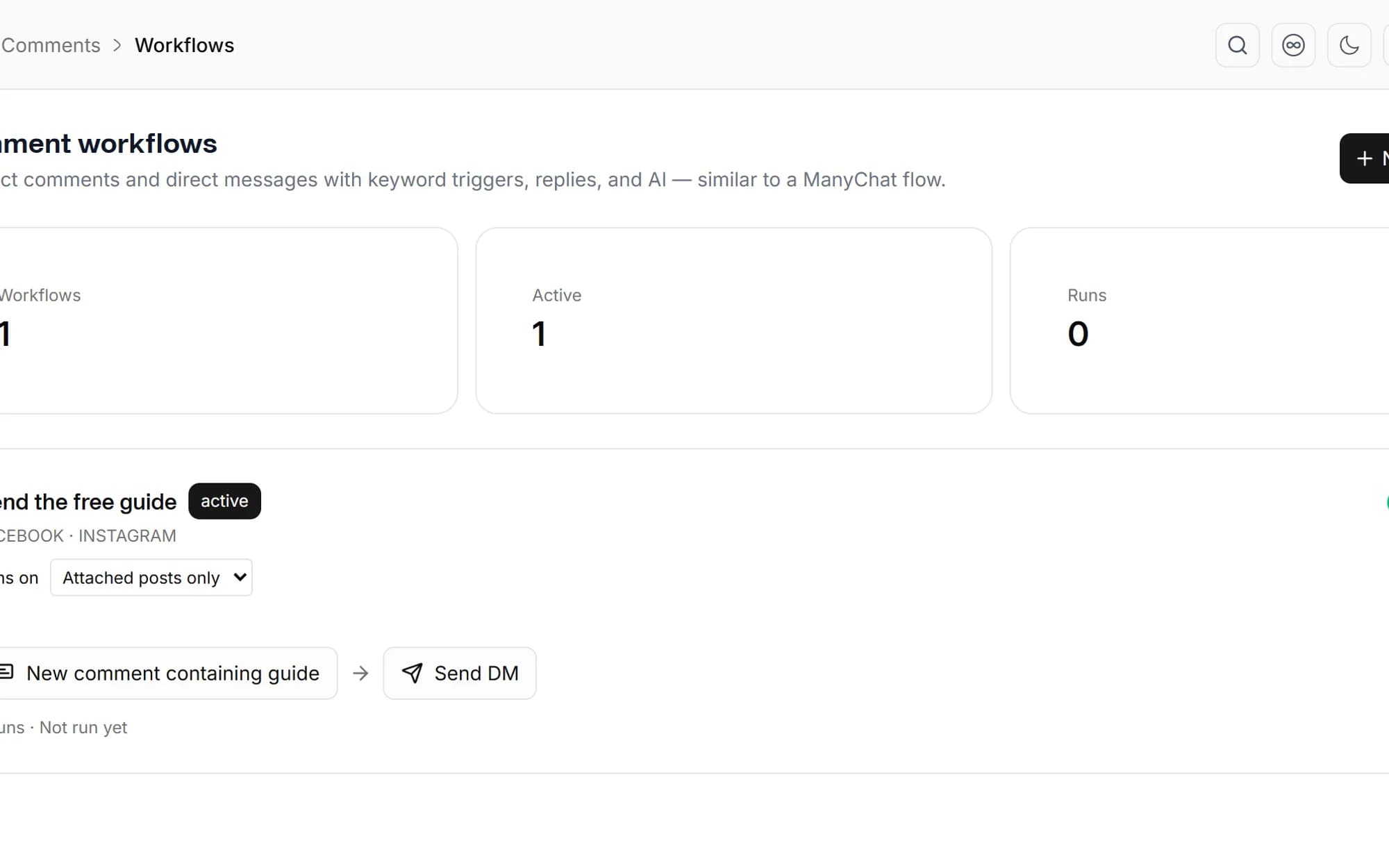
For the conversations behind your content
Creators
Share a resource when someone asks for it.
Online shops
Answer recurring product questions with saved replies.
Social teams
Handle recurring comments from the same workspace.
Agencies
Manage comment workflows within each client workspace.
Choose a supported post or video already published through Social media studio on Facebook Pages, Instagram professional accounts, X, or YouTube. Each campaign uses one platform post. Importing comments requires the relevant account permissions and API access; X also has recent-history limits.
No. Review the message and explicitly choose Send after the draw. Facebook and Instagram support private replies where permitted; X DMs depend on messaging permissions and the recipient. YouTube uses public replies. Platform restrictions or an expired connection can prevent delivery.
Workflows use incoming comments and messages available through your connected accounts. Public replies require comment sync and reply support for that platform. Available actions depend on the account connection and permissions.
No. Private replies originating from comments are supported only for Facebook and Instagram. The platform must allow the reply; an expired connection or messaging restriction can prevent delivery. Use public replies on other supported platforms.
AI replies use your workspace’s AI caption credits. AI actions in an active workflow send automatically. If you want suggestions to review instead, use the separate AI reply settings with automatic sending disabled.
A workflow saved as a draft does not run. Activate it when you are ready to respond to new matching events, and pause it anytime. Workflows respond to incoming events; they are not a bulk reply tool for all historical comments.
Schedule once.
Post everywhere.
Stop juggling tabs, draft, customize, and publish to 20 platforms from a single calendar.