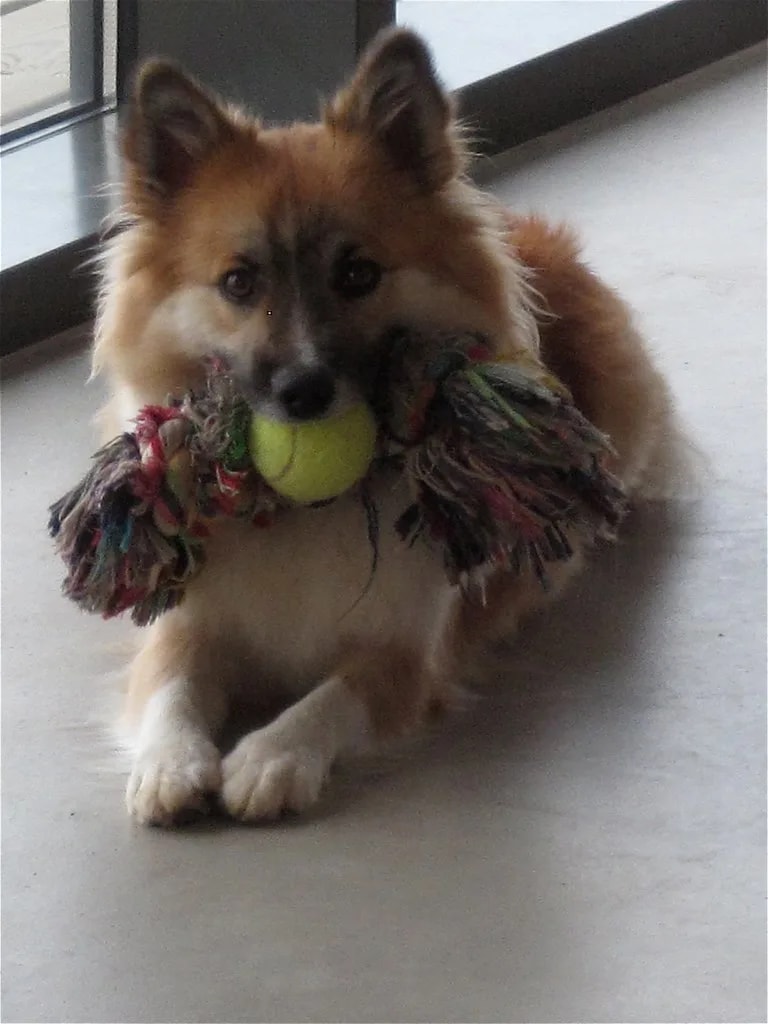
Crie um meme em menos de um minuto. Escolha um dos modelos de domínio público ou envie sua própria foto, escreva uma legenda em cima e outra embaixo, arraste para onde quiser e baixe um PNG. Tudo acontece no seu navegador: sem marca d’água, sem conta, e suas imagens não são enviadas para lugar nenhum. Use o estilo clássico, Impact branca com contorno preto, ou mude a fonte, as cores, o contorno, o alinhamento e a sombra para combinar com a sua marca. Exporte no formato original da imagem ou recorte em quadrado, retrato 4:5 ou paisagem 16:9.
How to make a meme
Choose a template from the gallery, or upload a PNG, JPG or WebP image of up to 20 MB. Type your top and bottom captions; the preview updates as you write.
Drag either caption to move it anywhere on the image. Use the controls on the right to change the typeface, text size, text and outline colour, outline width, alignment and letter case, and to turn the drop shadow on or off.
Pick an output shape, then select Download PNG. The file is drawn from the same settings as the preview, so what you see is what you get.
Free meme templates you can actually reuse
Many meme sites host images nobody has the rights to. Every template in this generator is released under CC0 or marked as public domain by its source, so you can reuse it in posts, ads and newsletters without asking permission.
The creator and licence of the template you pick are shown under the preview, with a link to the original image, so you can check where it came from.
If you upload your own image, the usual rules apply: use photos you took, have licensed, or have permission to use.
Pick the right size for each platform
Original keeps the shape of the image, up to 2048 pixels on the longest side. Square exports at 1200 × 1200, portrait at 1080 × 1350 and landscape at 1600 × 900.
Instagram accepts feed images from 1.91:1 landscape to 4:5 portrait, so the 4:5 portrait size takes up the most room in the feed. Square works almost everywhere, and 16:9 suits timelines that favour wide images.
Use Fill image to crop the photo to the shape you chose, or Fit image to keep the whole photo with black bars around it.
Make captions that read on a phone
Most memes are seen on a small screen in a fast-moving feed. Keep each caption to a few words, put the setup on top and the punchline at the bottom, and leave the subject of the photo clear of text.
A thick outline keeps white text readable on light parts of the image; the drop shadow helps on busy backgrounds. If a caption runs to three or more lines, shorten it before you shrink the text.